Stop making AI slop. Make something only you can.
Everyone's renders look the same. Yours don't have to.

Shaun McCallum
June 2, 2026Architectural drawing sits at the core of the profession, for the excruciatingly practical and the artistically driven alike. AI has fundamentally changed how architects, interior designers and creatives approach the work. Photorealistic renderings that once took days to render and weeks to complete now take seconds.
But the moat was never really photorealism. It is no longer about how beautifully or how convincingly you can represent a project. It is about how AI becomes a core tool in your creative process, how it amplifies your thinking, and how you work with clients who value the craft regardless of the tools used to execute it.
In Fenestra I see a lot of people make realistic renderings. It is fantastic for that. Use Flux 2 Pro, Nano Banana Pro or Nano Banana 2, then create cinematic animations in seconds with Seedance 2.0 or LTX 2.3. But visualisations like these can only take a project so far.
Robin Evans's seminal work 'Translations from Drawing to Building' explores the strange relationship architects have with their end product: they never touch the construction. The real work is producing the vessel through which the building is eventually made real, a process the architect rarely has hands-on experience with. Drawing is the work. It is how we convey meaning and intent.
This is partly why I believe in AI tooling. It expands what we can do, the same way CAD and computational design have for years. AI is the new pencil. It is the new medium through which we convey meaning in architecture, and ultimately in space.
Photorealistic renderings still have their place, as does photoreal work made in traditional 3D software. They are perfect for conveying real-world intent. But the architectural drawing does something else. It shows intent beyond the final product. It embeds ideation, process and life into an image, and that is what truly brings an architecture to life.
Take any of the images, use them as a reference image alongside the Flux 2 Pro model for turning your own renders into styles which represent you.
Combine styles, merge and create your own.
Start Drawing.
Create Now.Related Articles
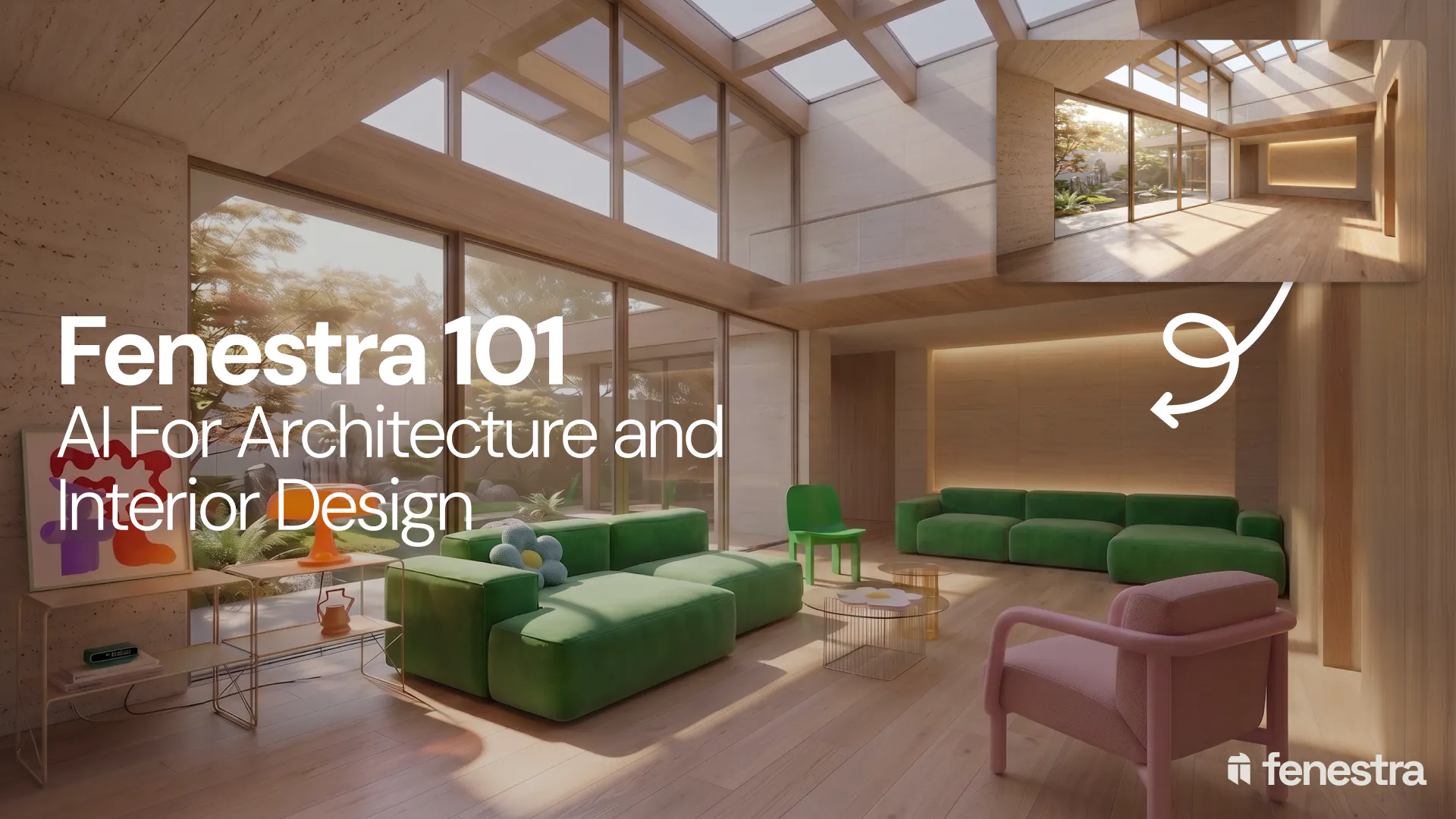
Fenestra 101: Sketch to Render, Virtual Staging and AI Editing for Architects & Interior Designers
In this introductory Fenestra webinar, we walk through the core tools architects and designers can use to turn early ideas into visual concepts. The session covers sketch to render workflows, virtual staging, adding furniture, editing images, removing elements and using AI to quickly explore design directions.
Fenestra 101: Our First Webinar
We're running our first ever live webinar on June 3rd. A hands-on intro to Fenestra for architects and interior designers, covering image generation from prompts, 2D and 3D inputs, video, and where AI actually fits in your practice. 30 seats only.
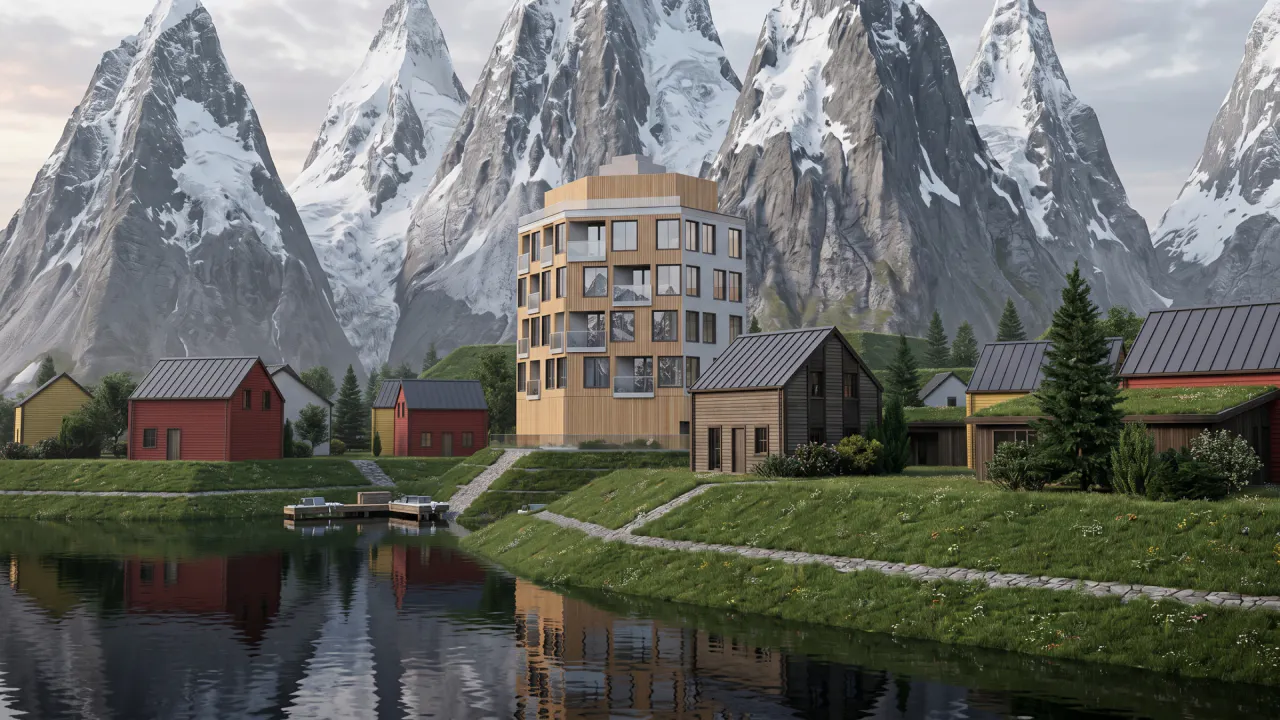
Is conversation the next 3D modelling tool? We tested AI modelling in Rhino
We tested AI 3D modelling in Rhino, driving geometry by conversation, then rendering in Fenestra. Where text-to-3D works, and where it doesn't yet.
