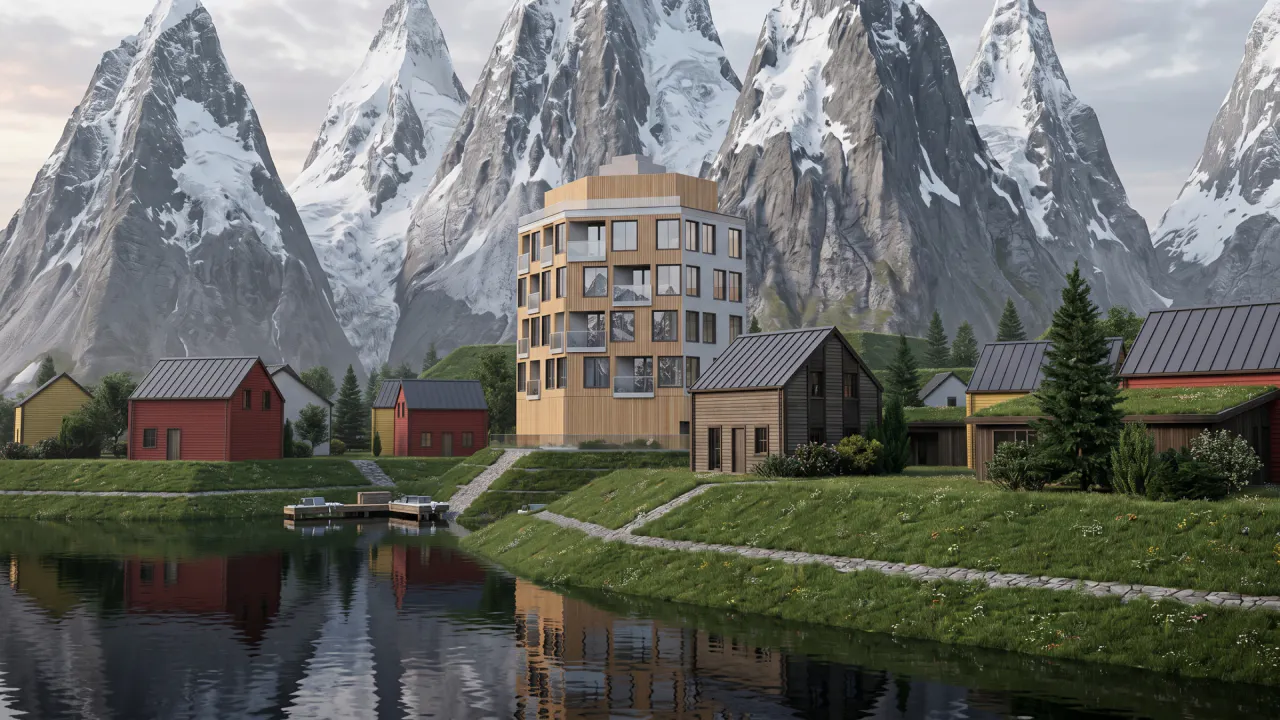
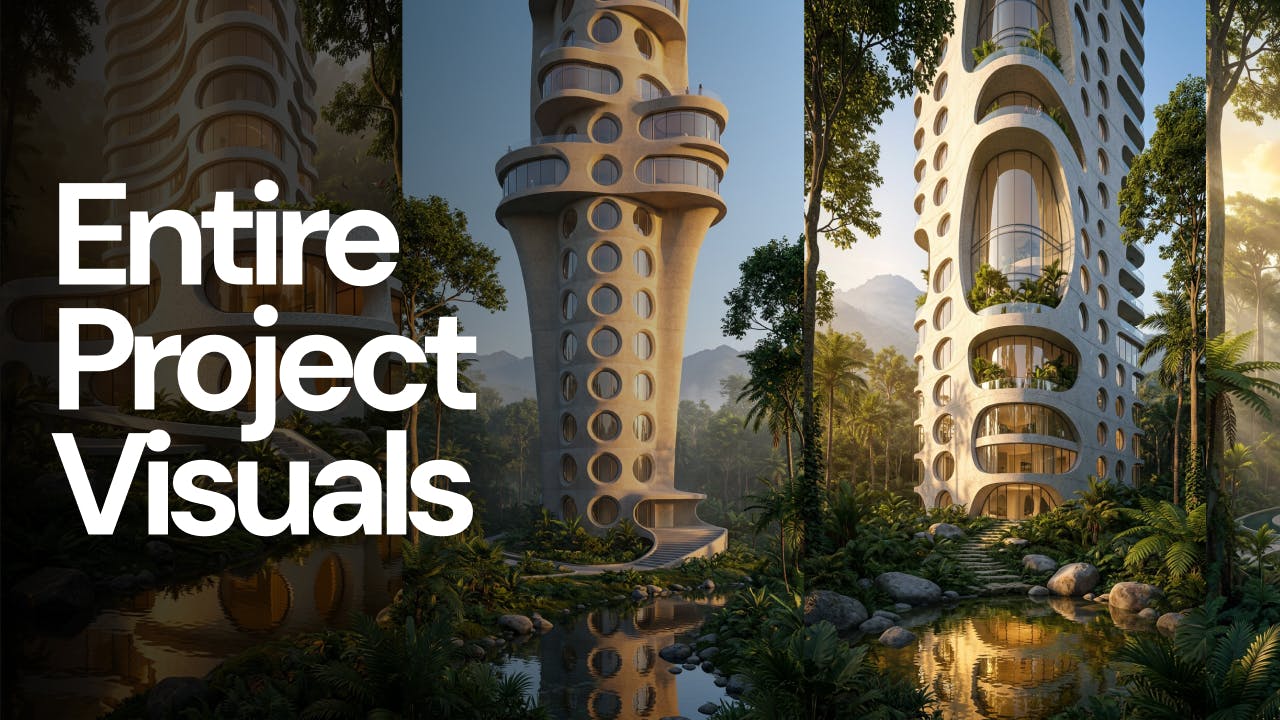
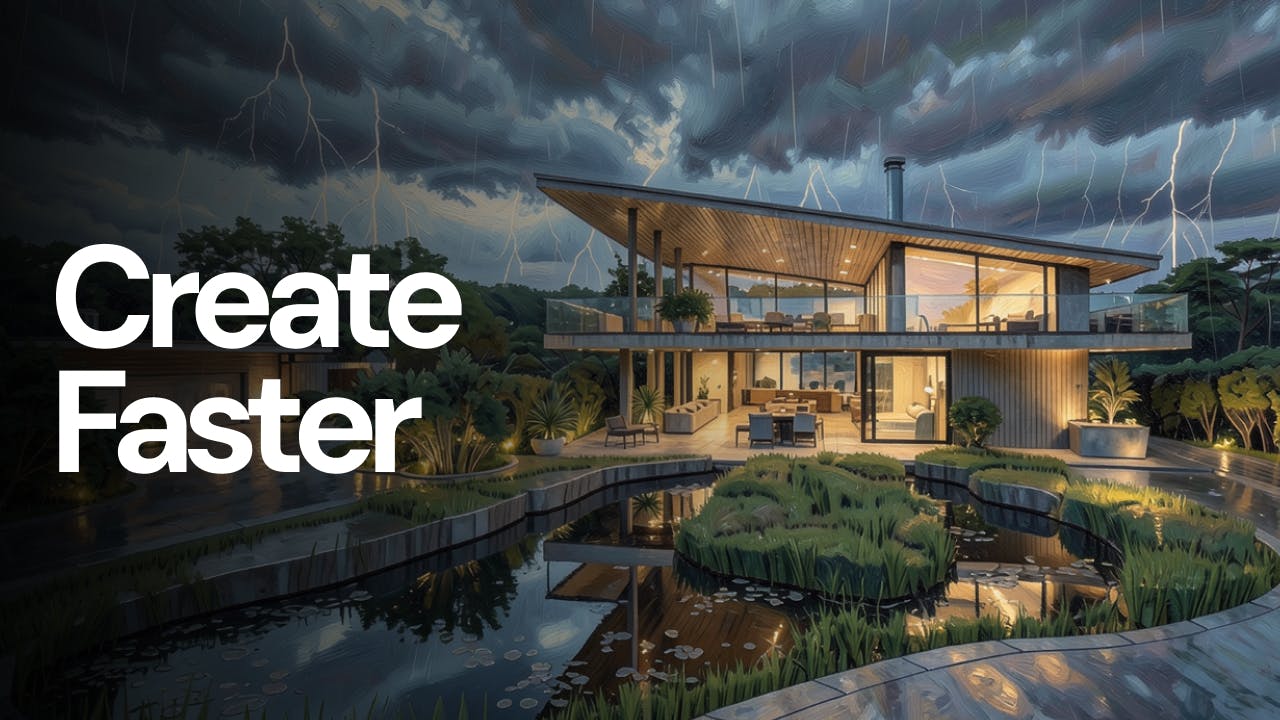
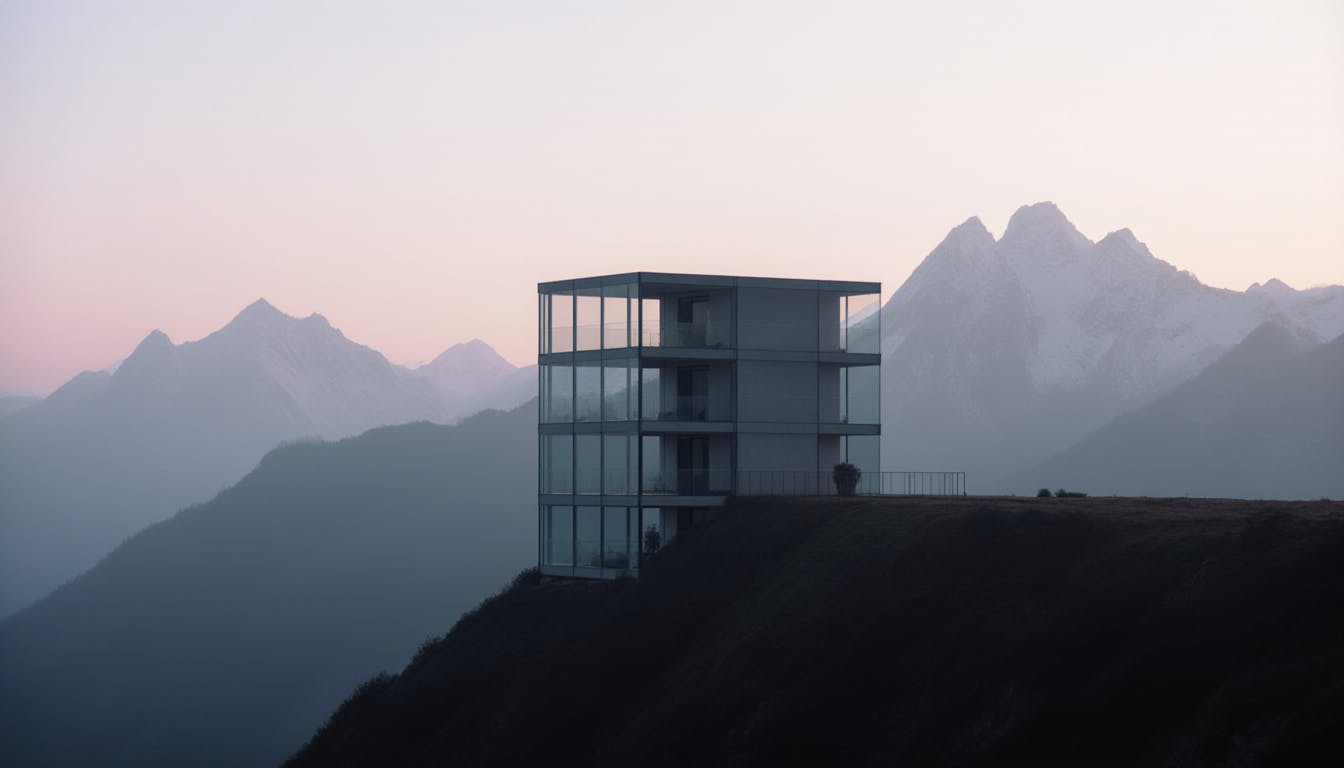
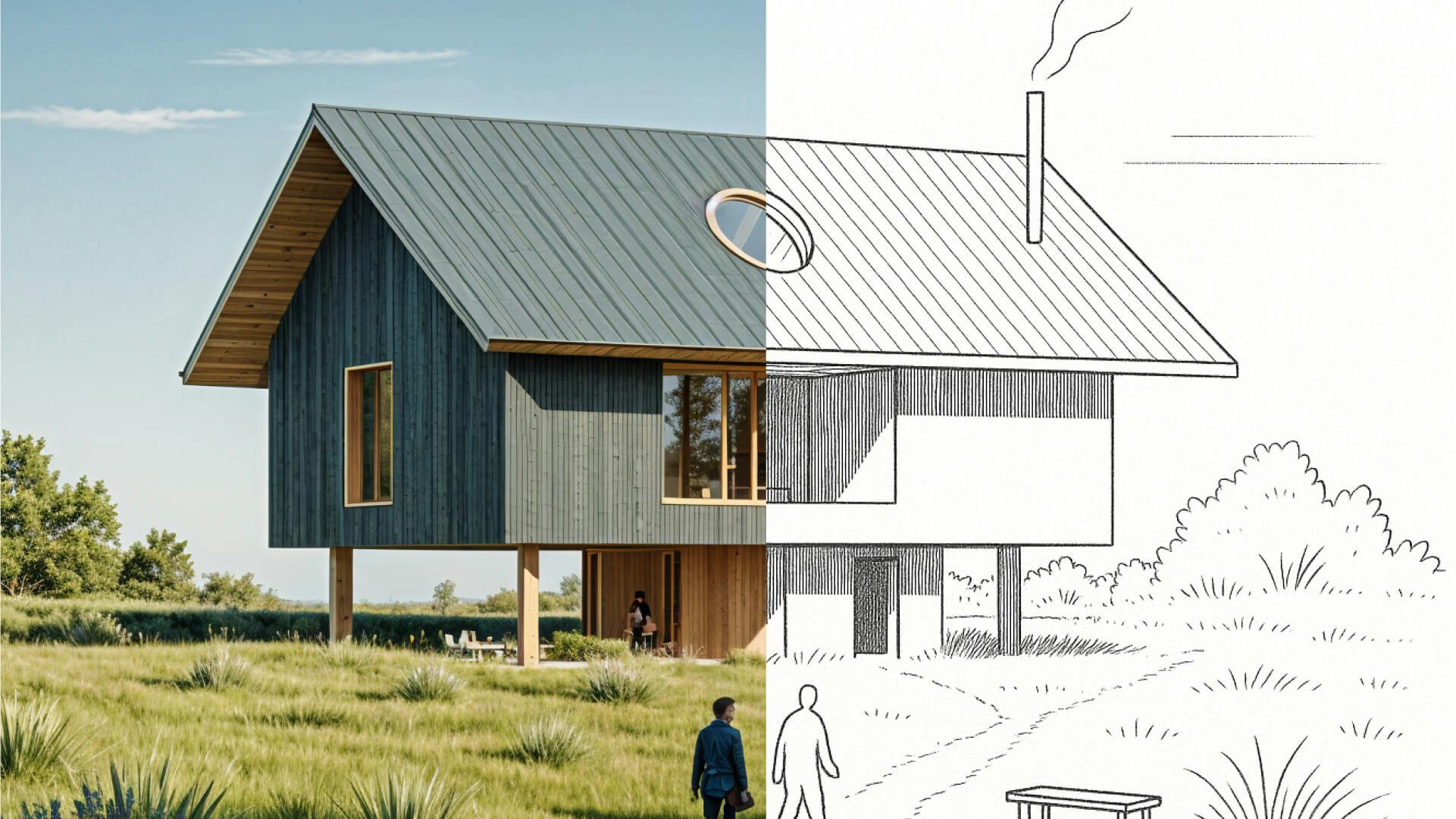
We tested AI 3D modelling in Rhino, driving geometry by conversation, then rendering in Fenestra. Where text-to-3D works, and where it doesn't yet.
Shaun McCallum
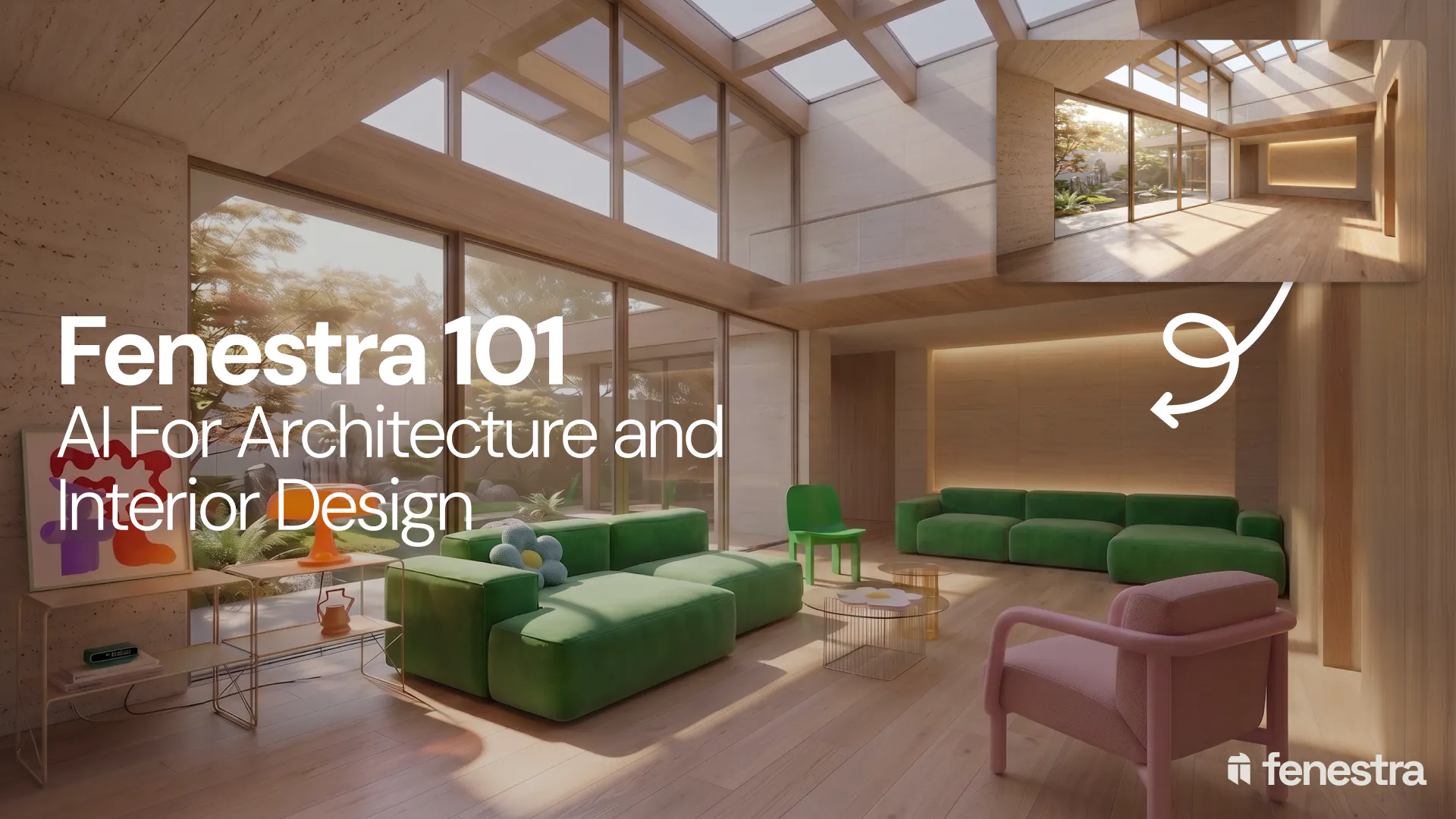
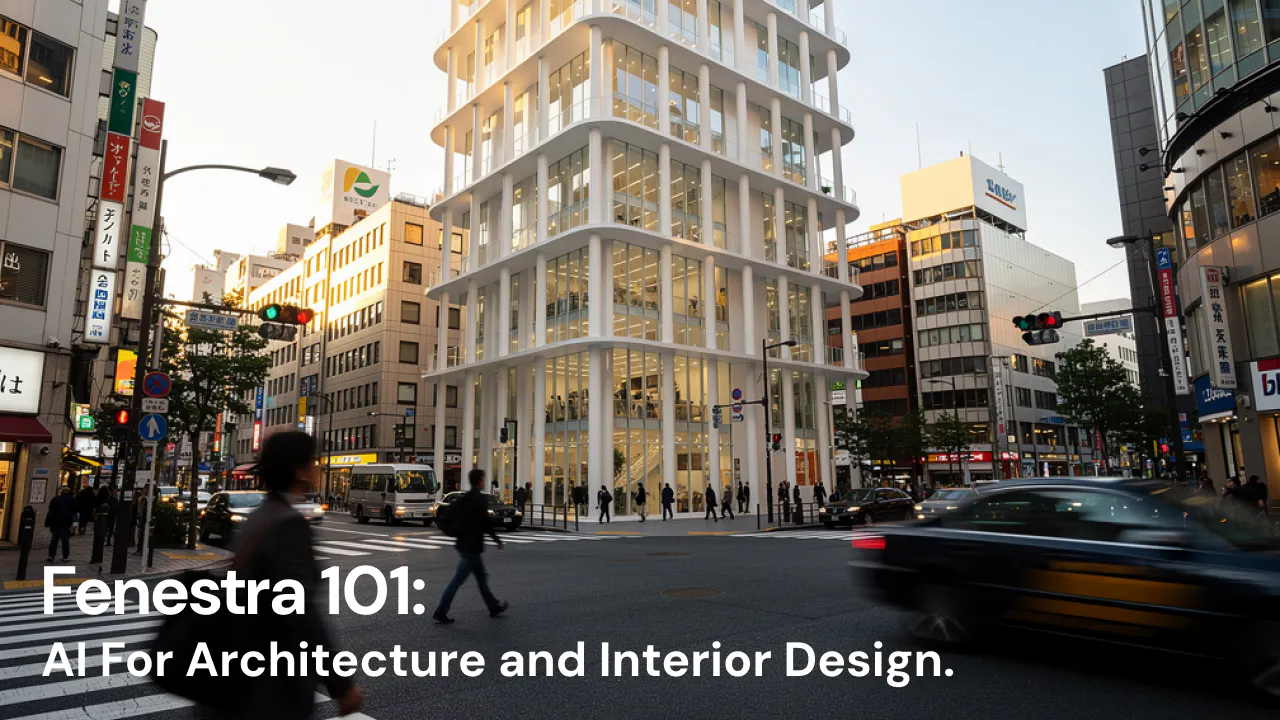
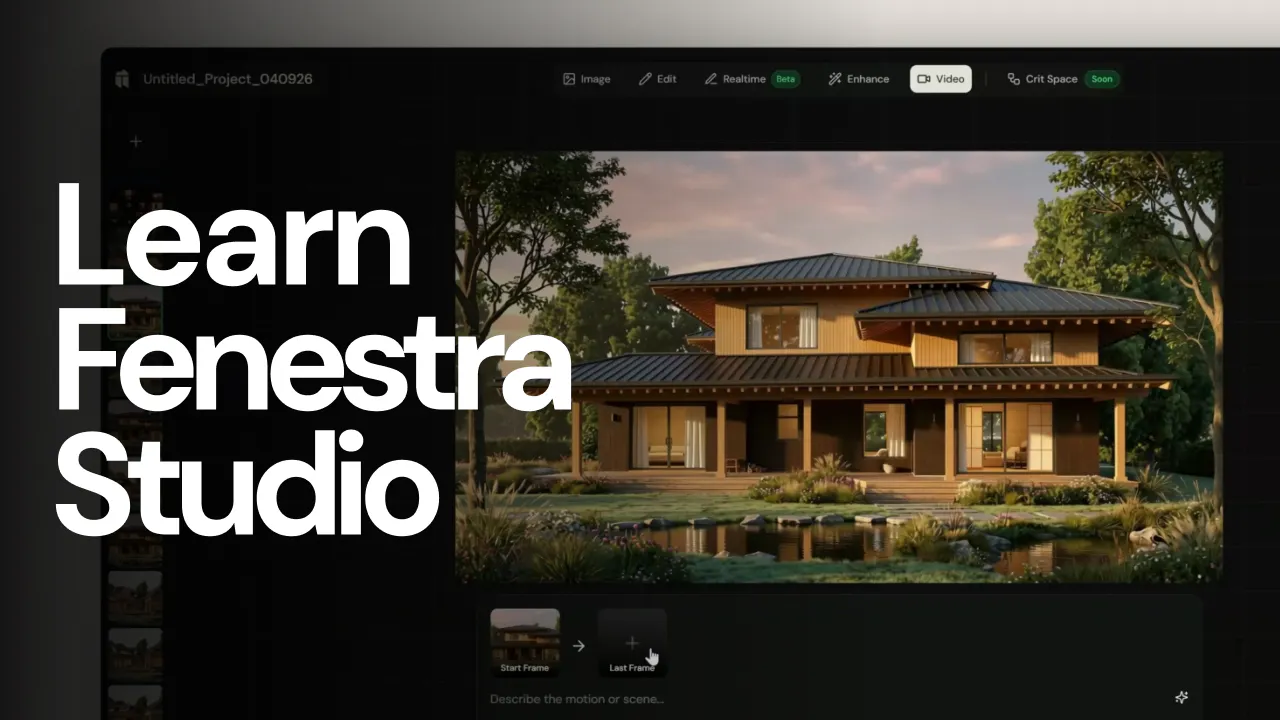
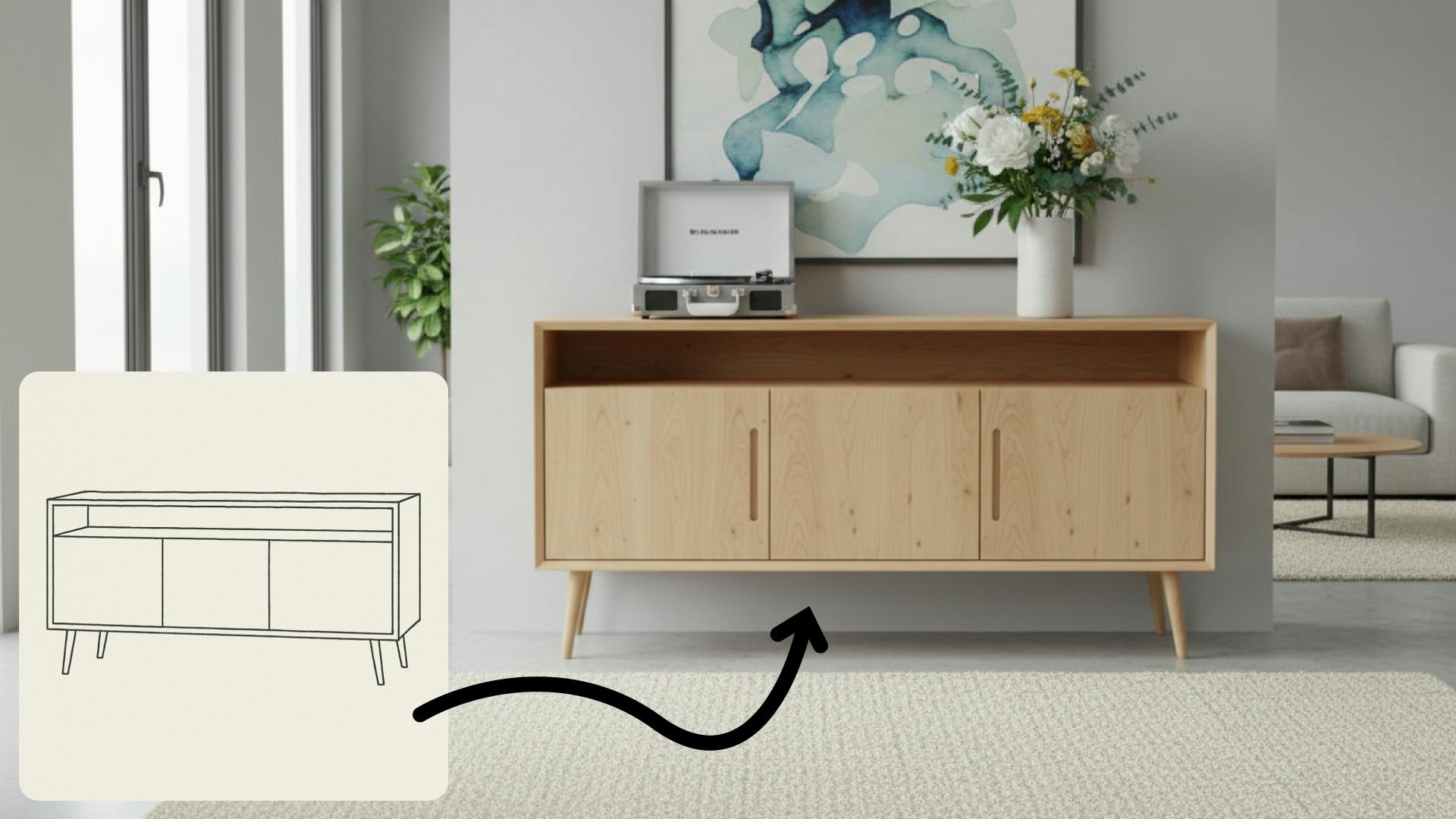
In this introductory Fenestra webinar, we walk through the core tools architects and designers can use to turn early ideas into visual concepts. The session covers sketch to render workflows, virtual staging, adding furniture, editing images, removing elements and using AI to quickly explore design directions.
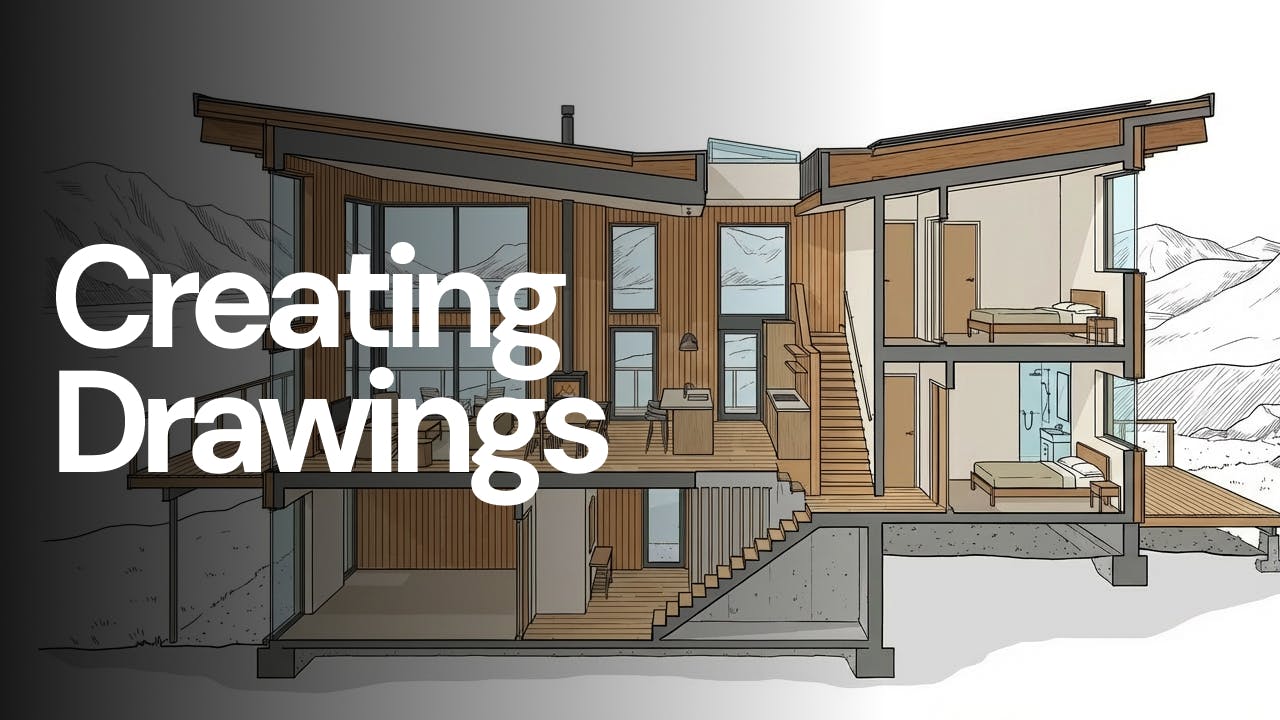
Everyone can make a photoreal render now, so none of them stand out. Realism is the floor. Drawing has always been the real work, and that is what AI should amplify.
Most studios don't need one perfect render. They need a decision. Here's the three-direction workflow that turns one image into three plausible futures, and a faster way to land design choices that win client meetings.
We're running our first ever live webinar on June 3rd. A hands-on intro to Fenestra for architects and interior designers, covering image generation from prompts, 2D and 3D inputs, video, and where AI actually fits in your practice. 30 seats only.
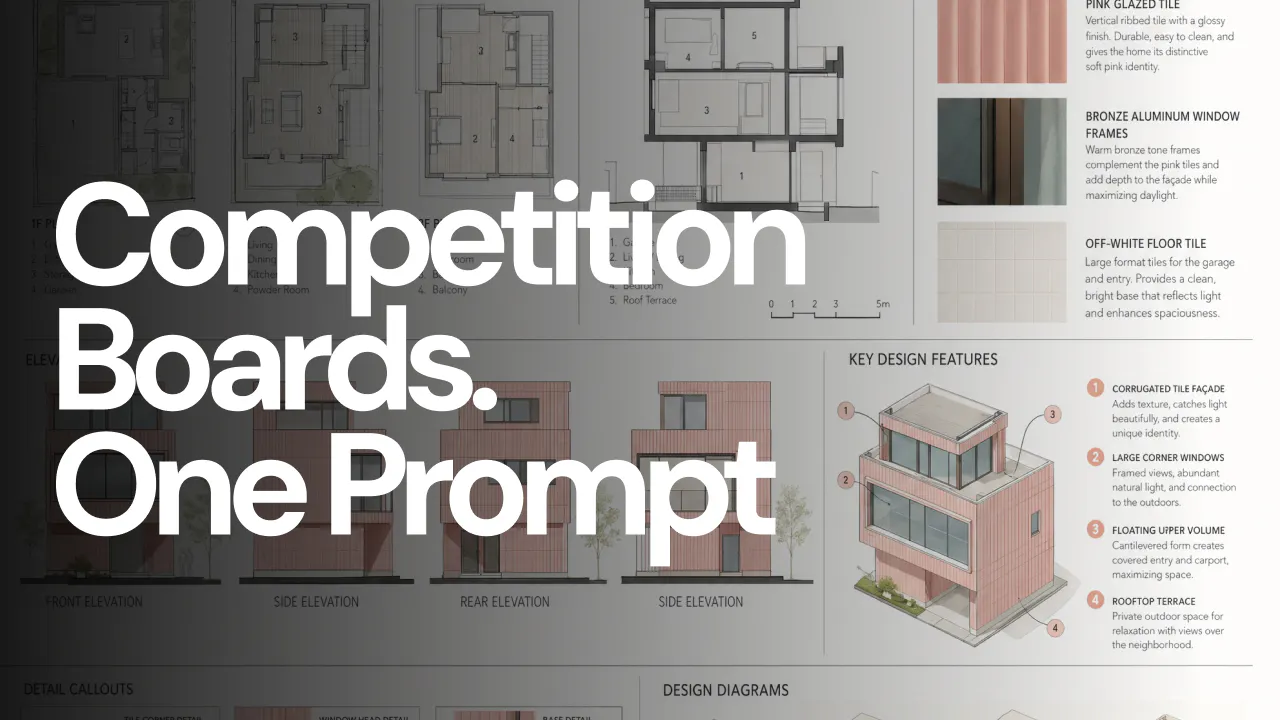
A step-by-step look at using GPT-Image-2 and Fenestra to design a Tokyo-inspired residence — from generating the base image to material studies and a full competition board. Simple prompts, real results.
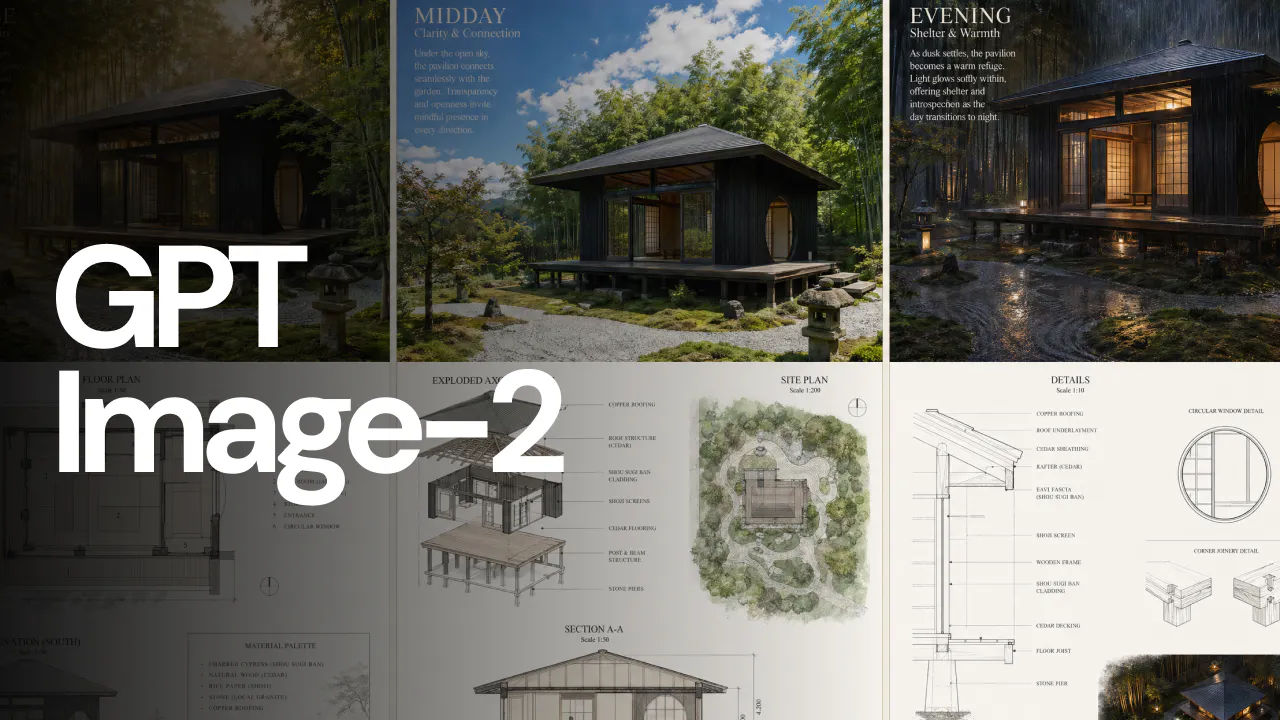
Testing GPT-Image-2 on a Japanese-inspired teahouse: prompt-based edits, expanding a single image into a full competition board with plans, sections and elevations, and generating creative multi-view triptychs in a single generation.
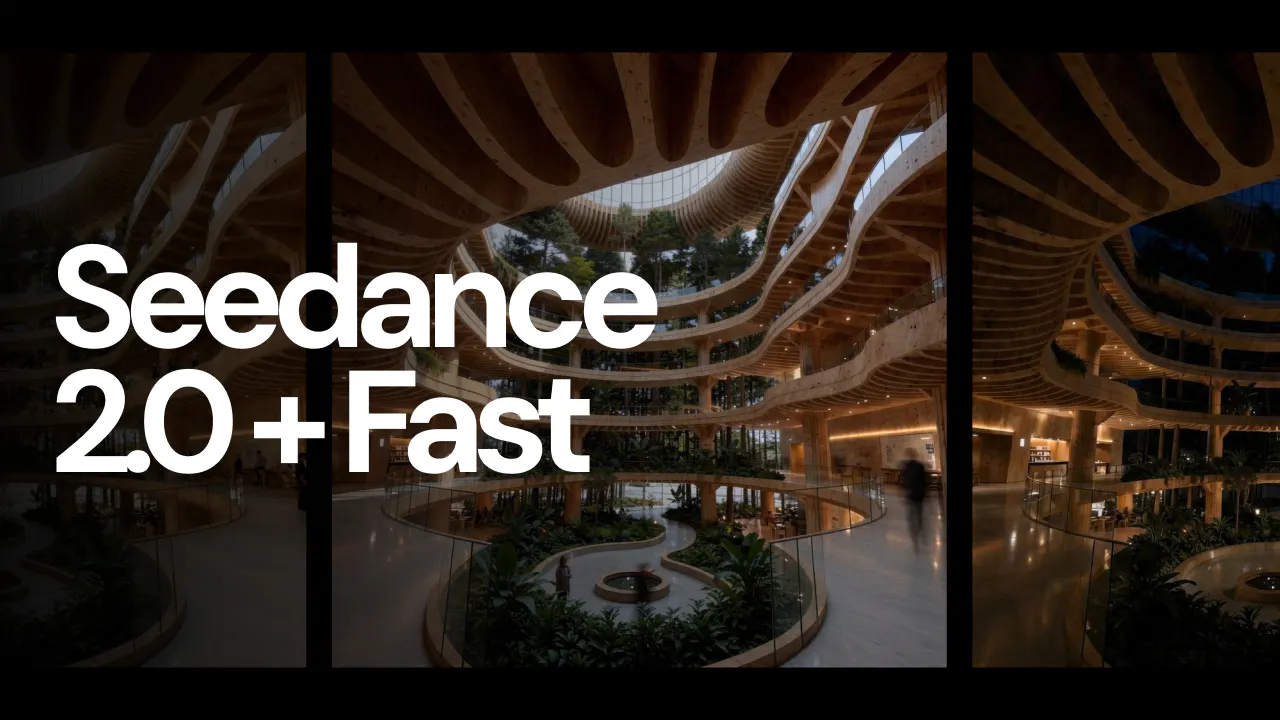
We just shipped Seedance 2.0 and Seedance 2.0 Fast in Fenestra's Video tool. 720p cinematic video, automatic audio for interior and exterior shots, and significantly better transitions between scenes. Both models are available now.
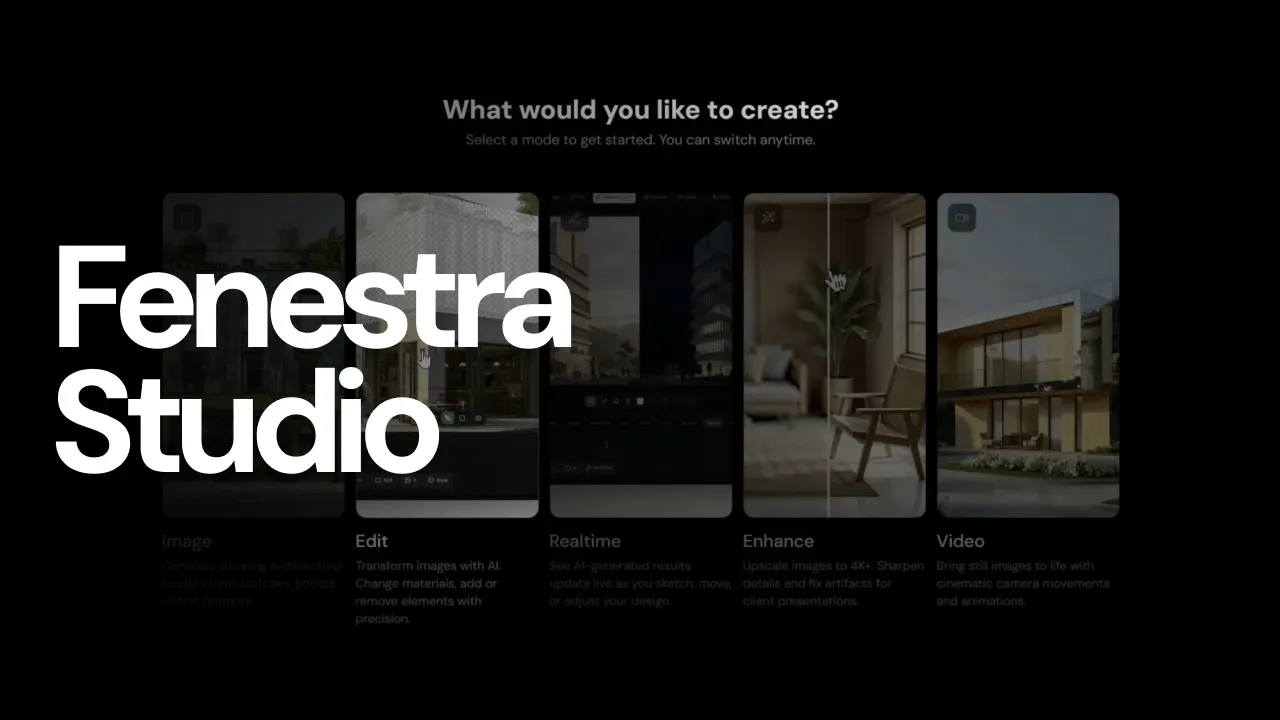
We’ve released a major update to Fenestra Studio alongside a full overhaul of our documentation. Learn how to generate visuals from prompts, edit and refine designs, render in realtime, enhance outputs, and animate still images using AI workflows built for architects and designers.
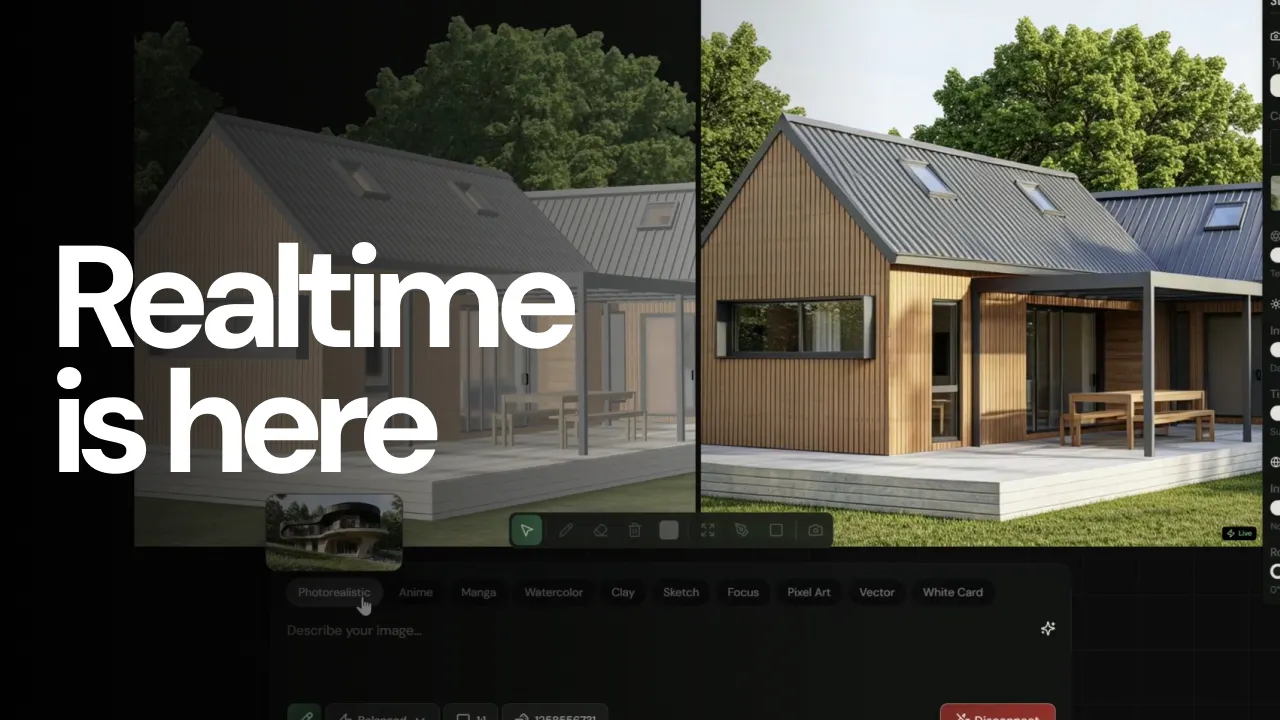
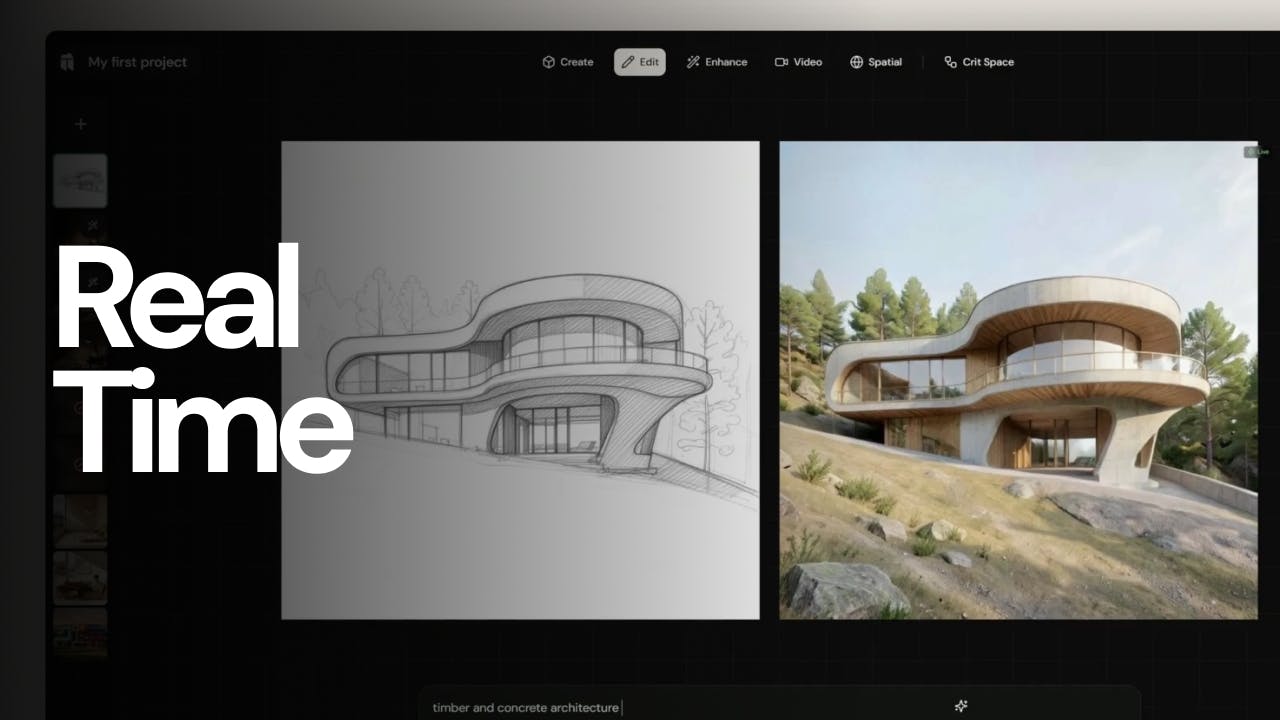
Realtime AI rendering for images and 3D models. Edit materials, lighting, environments and styles instantly with simple prompts. Now available in alpha.
AI is improving fast, and in some cases it’s already impressive. But it still needs direction. The real shift isn’t AI replacing architects, it’s changing which ones gain an advantage.
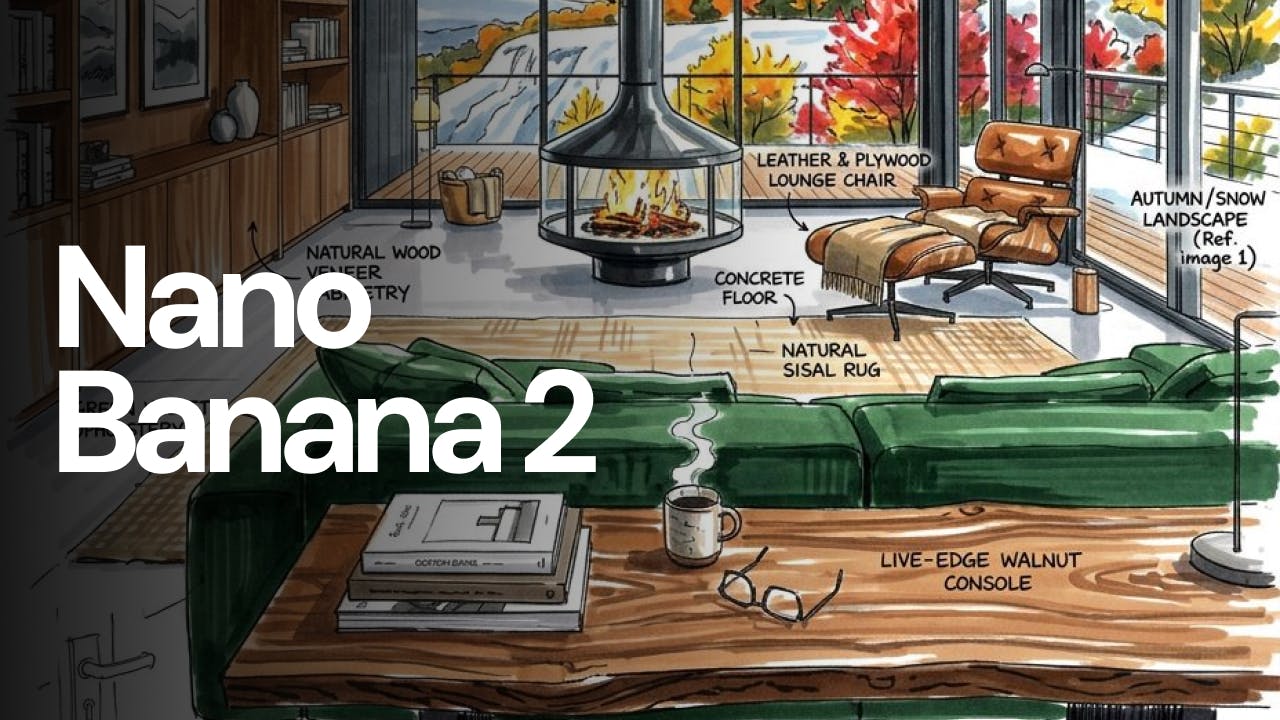
Testing Nano Banana 2 to see if AI can generate architectural elevations, diagrams, and sections from a single image.
How I generate concept images and simple video transitions using Nano Banana 2 in Fenestra!
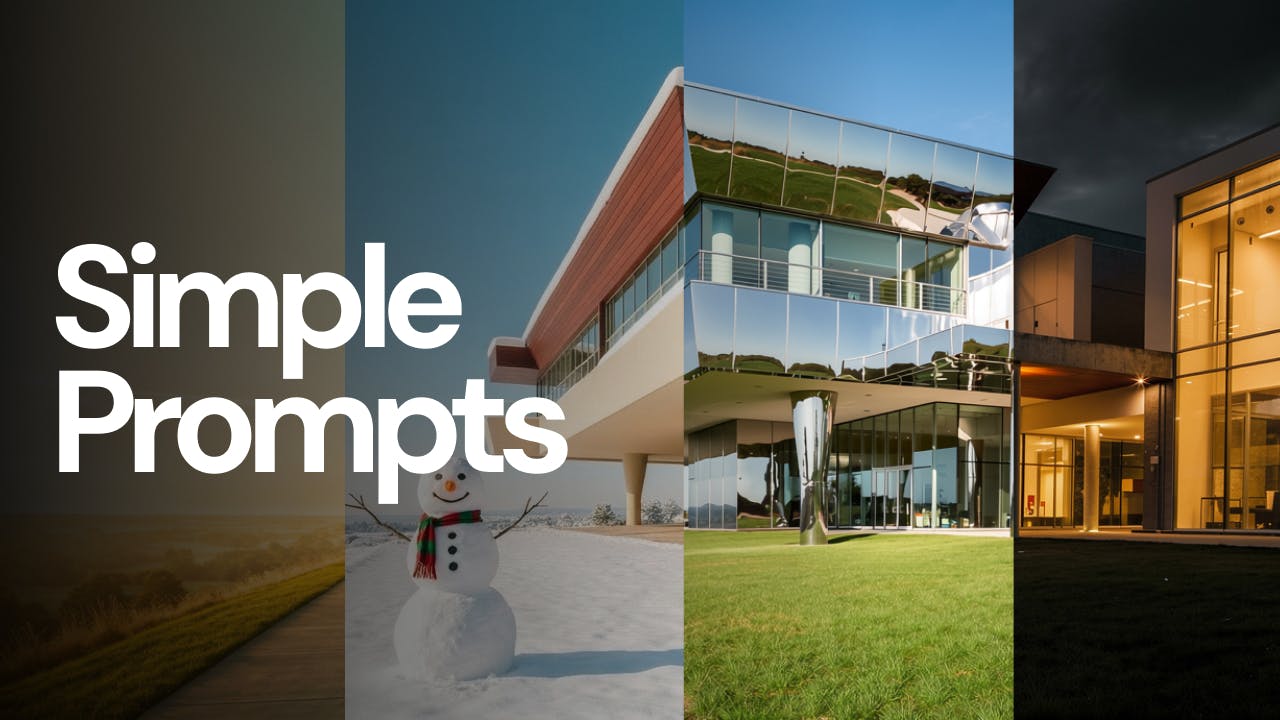
Learn why simple prompts outperform complex ones in AI architecture workflows. Practical guidance for getting better, more stable results with Fenestra.
Seedance 1.5 Pro and Qwen Image Edit 2511 have just landed in Fenestra, unlocking a smoother way to edit, animate, and bring images to life with sound.
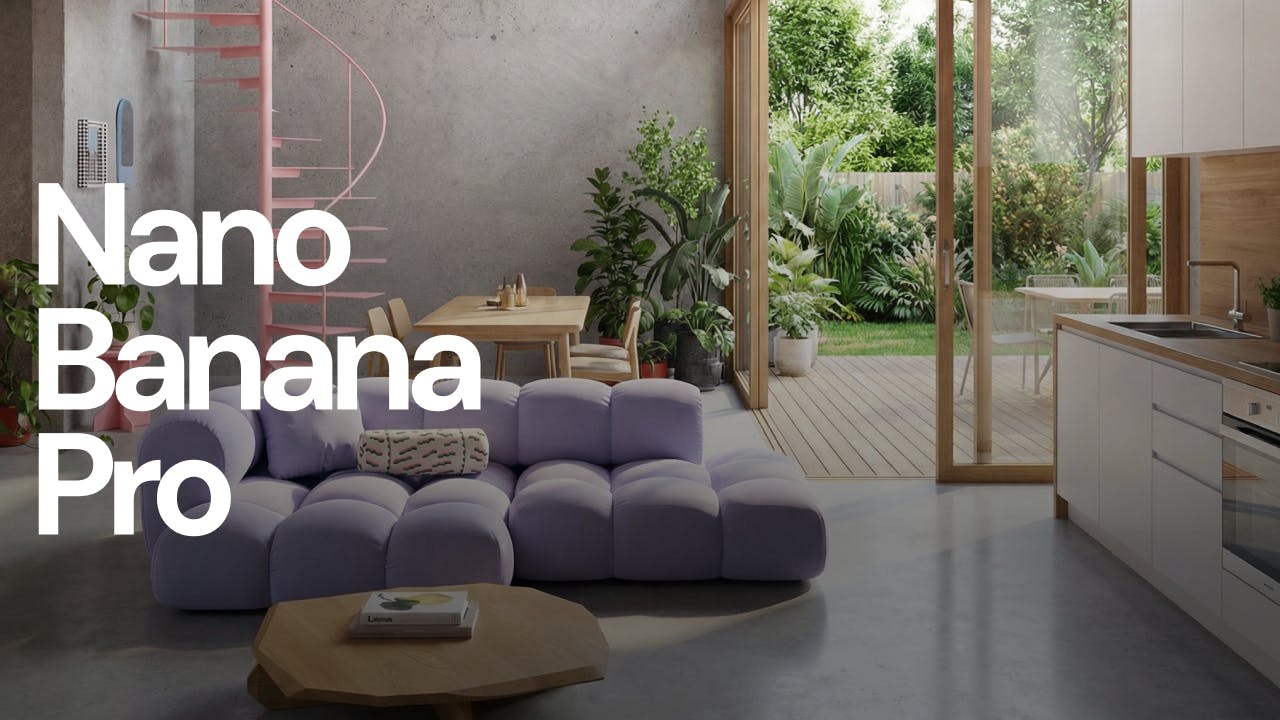
Learn how to use Nano Banana Pro inside Fenestra to turn 2D plans into spatial interior and architectural visualisations, including top-down 3D renders.
Create cinematic 1080p video renderings in Fenestra with one click using Seedance 1.0 Pro and Lite. Combine Nano Banana, Flux Krea Dev and Flux Kontext to create high-quality stunning interior design visuals without the complexity.
5 Prompts for quick edits, lighting moods, and archviz-ready renders — see why designers are combining AI models in Fenestra.
Discover how Nano Banana can help architects and designers explore forms, materials, and moods faster than ever.
Fenestra Studio has been redesigned from the ground up and is now available to all architects and interior designers. Explore new AI tools, updated documentation, and powerful team features coming soon.
Explore advanced Nano Banana architecture workflows for diagrams, landscape visualization, floor plans, and interior moodboards.
Day-zero access to Nano Banana 2 in Fenestra. Strong spatial understanding, cleaner text, and fast interior and material studies.
We’re introducing real-time AI rendering to Sketch to Render. Adjust prompts, materials and lighting live and explore architectural ideas without stopping to regenerate. Waitlist now open.
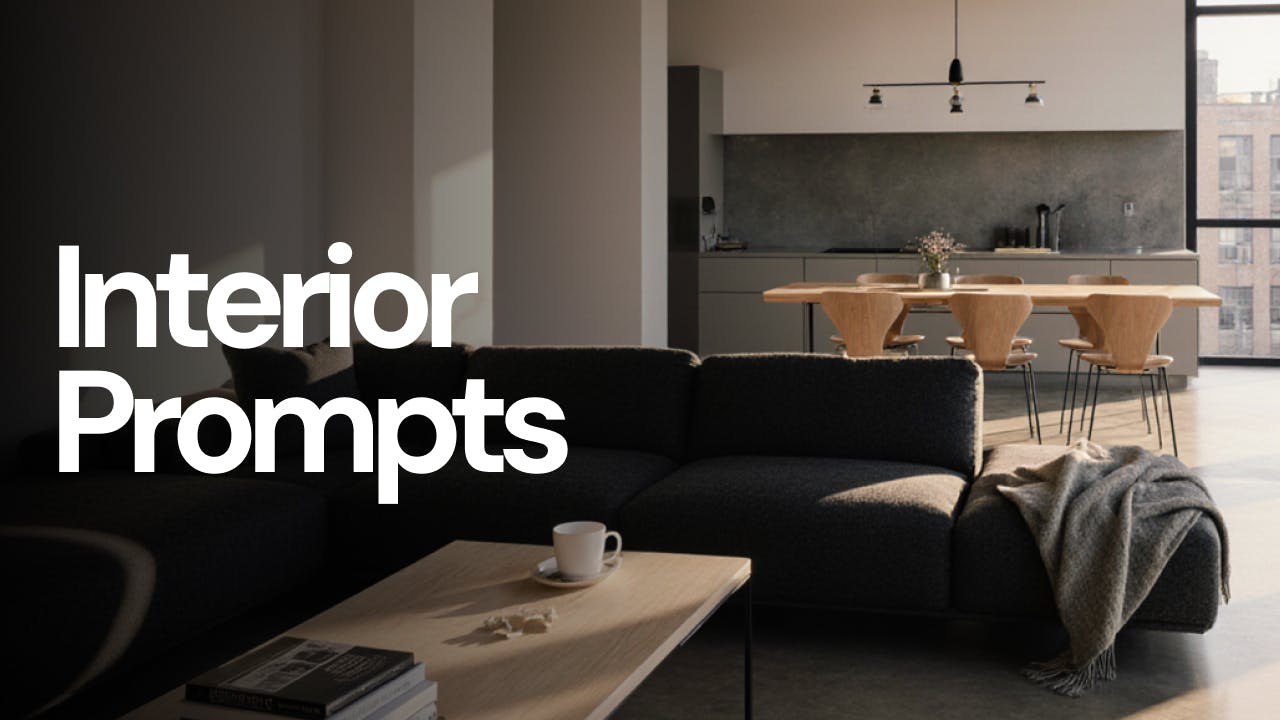
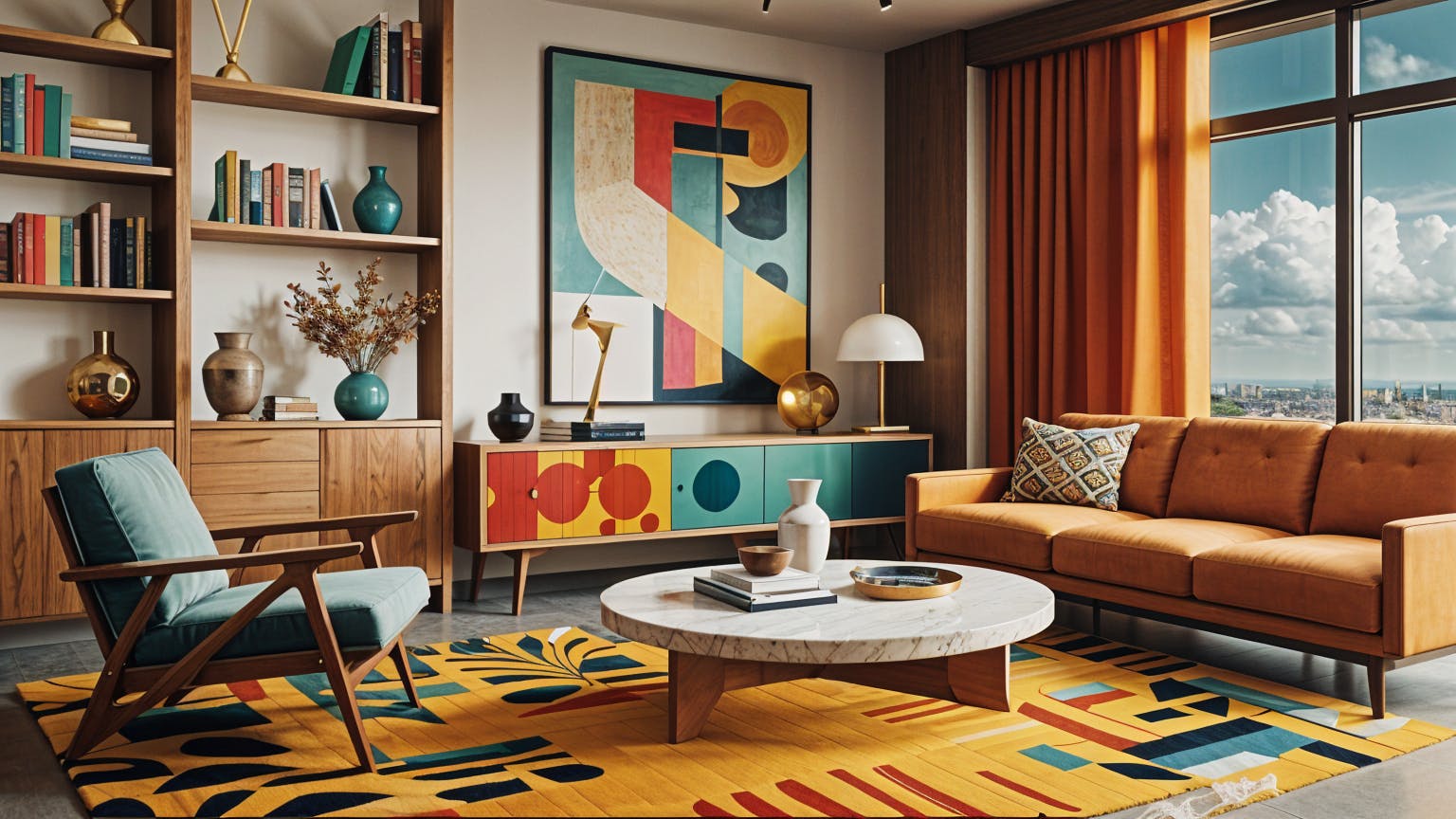
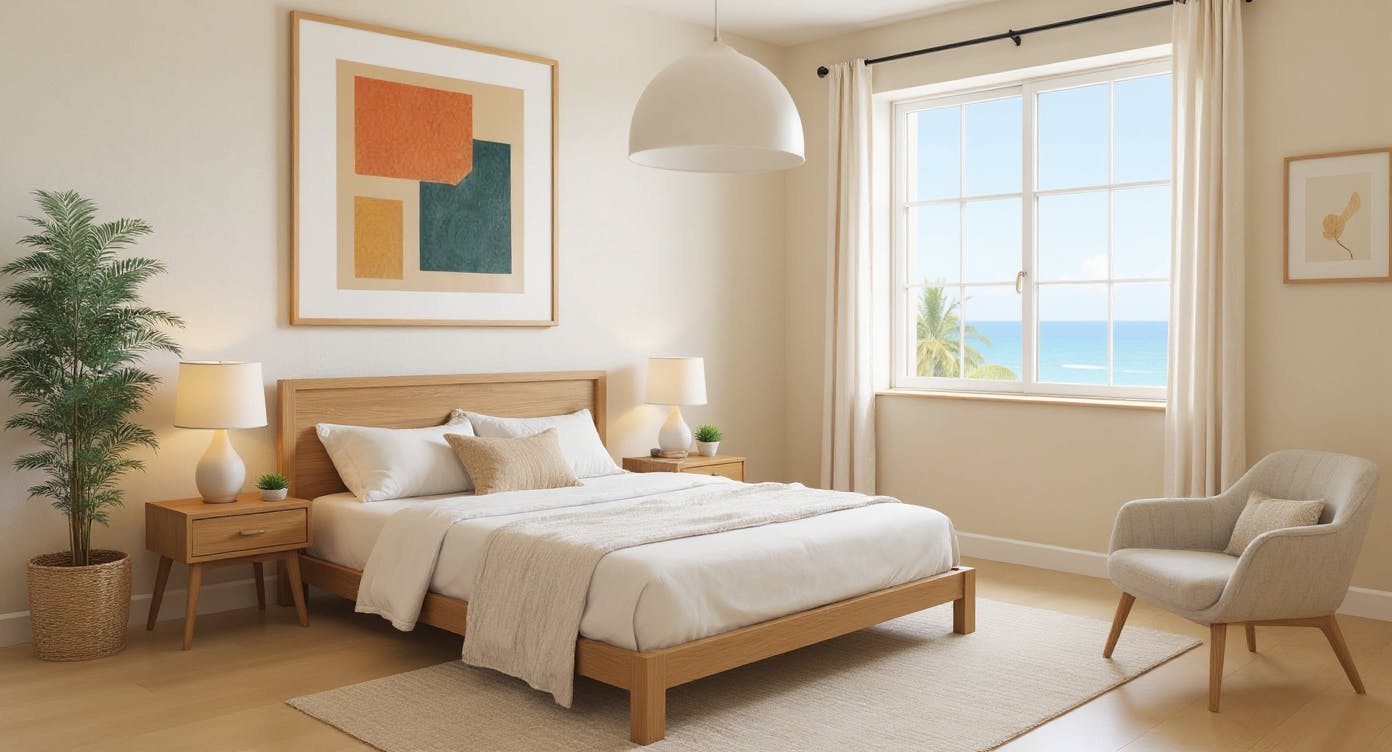
Most AI prompts for interior design return generic, flat rooms. These 5 are the ones I actually use - and they work across Flux, Nano Banana Pro, and everything else.
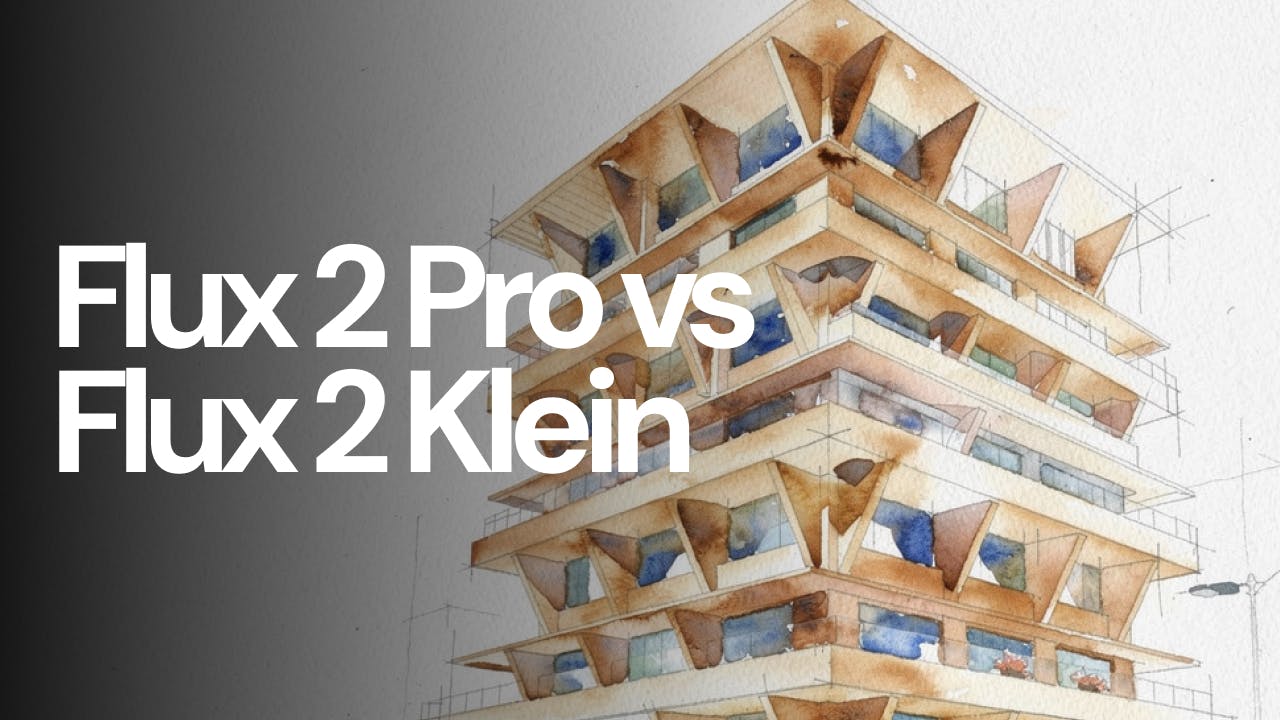
Flux 2 Klein and Flux 2 Pro are both available in Fenestra, but they are designed for different moments in the design process. This short comparison looks at speed, cost, and visual quality to help you decide which model to use and when.
Generate architectural renders faster with tighter control over your input and lower credit usage. Learn how Flux Klein improves sketch-to-render, ideation, and early-stage visualisation workflows in Fenestra.
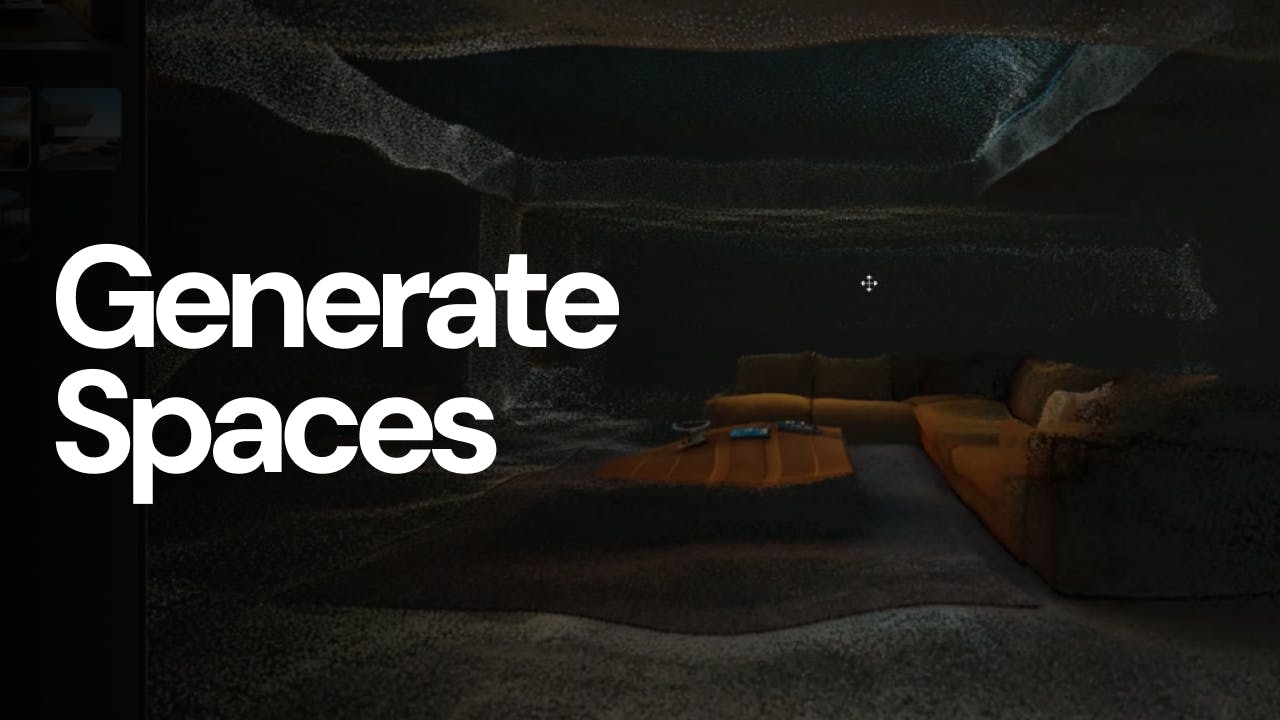
Marble Mini and Marble Plus by World Labs are now available in Fenestra. These spatial AI models turn simple image inputs into explorable 3D environments, allowing designers to move through space, inspect materials, and understand scale, light, and form in context.
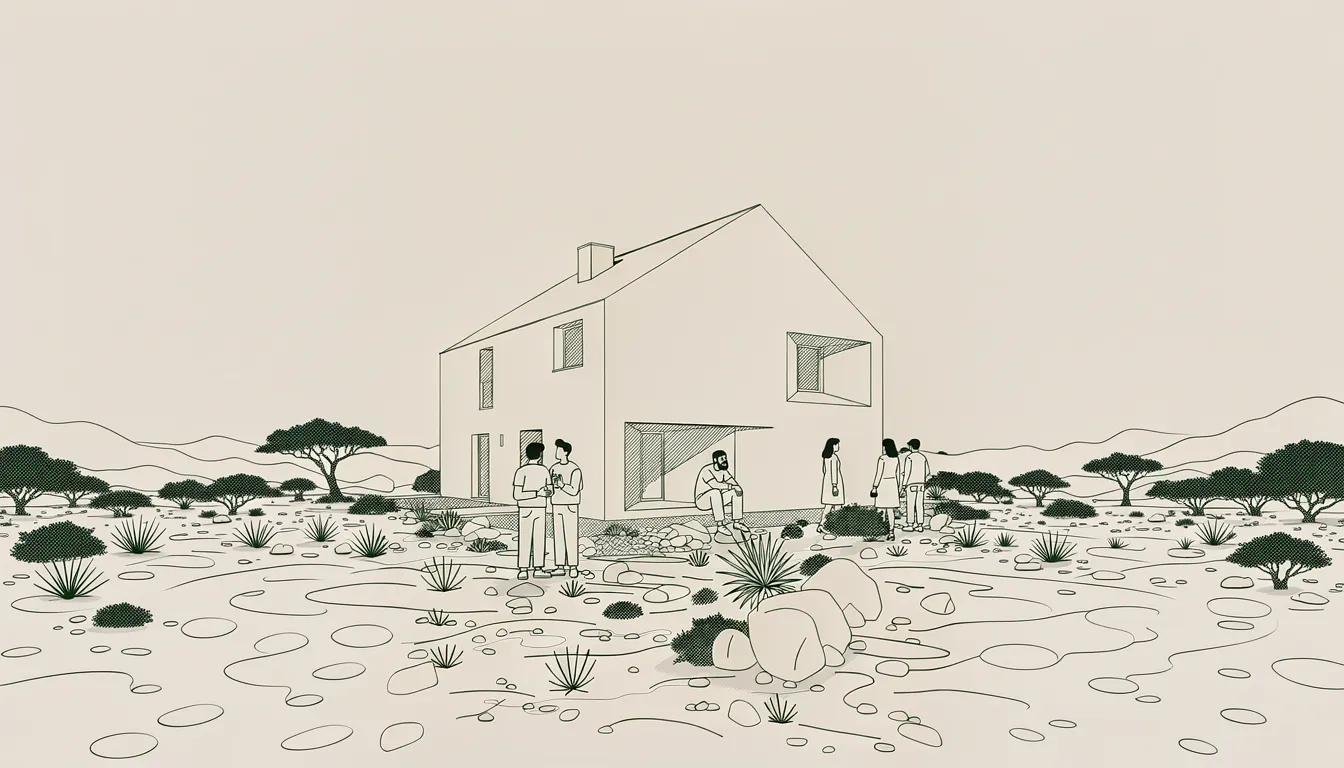
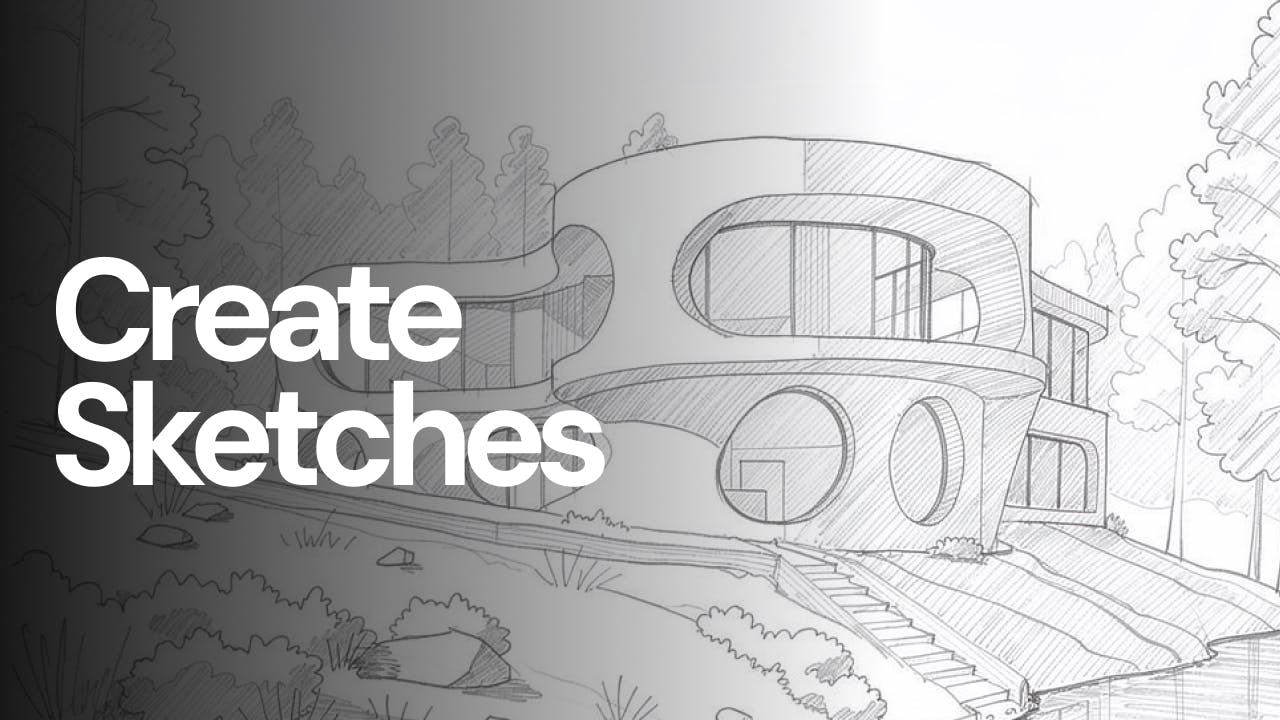
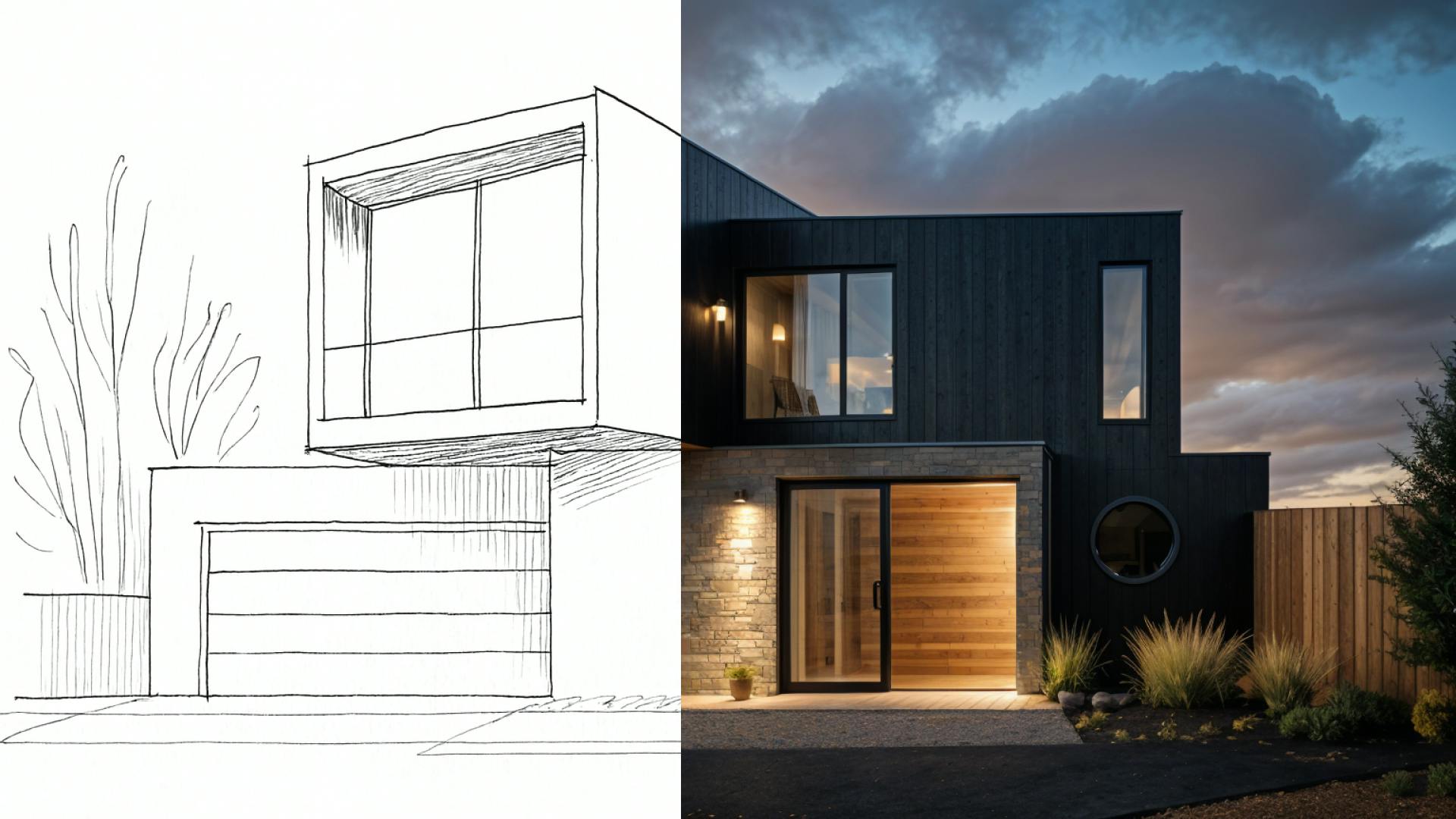
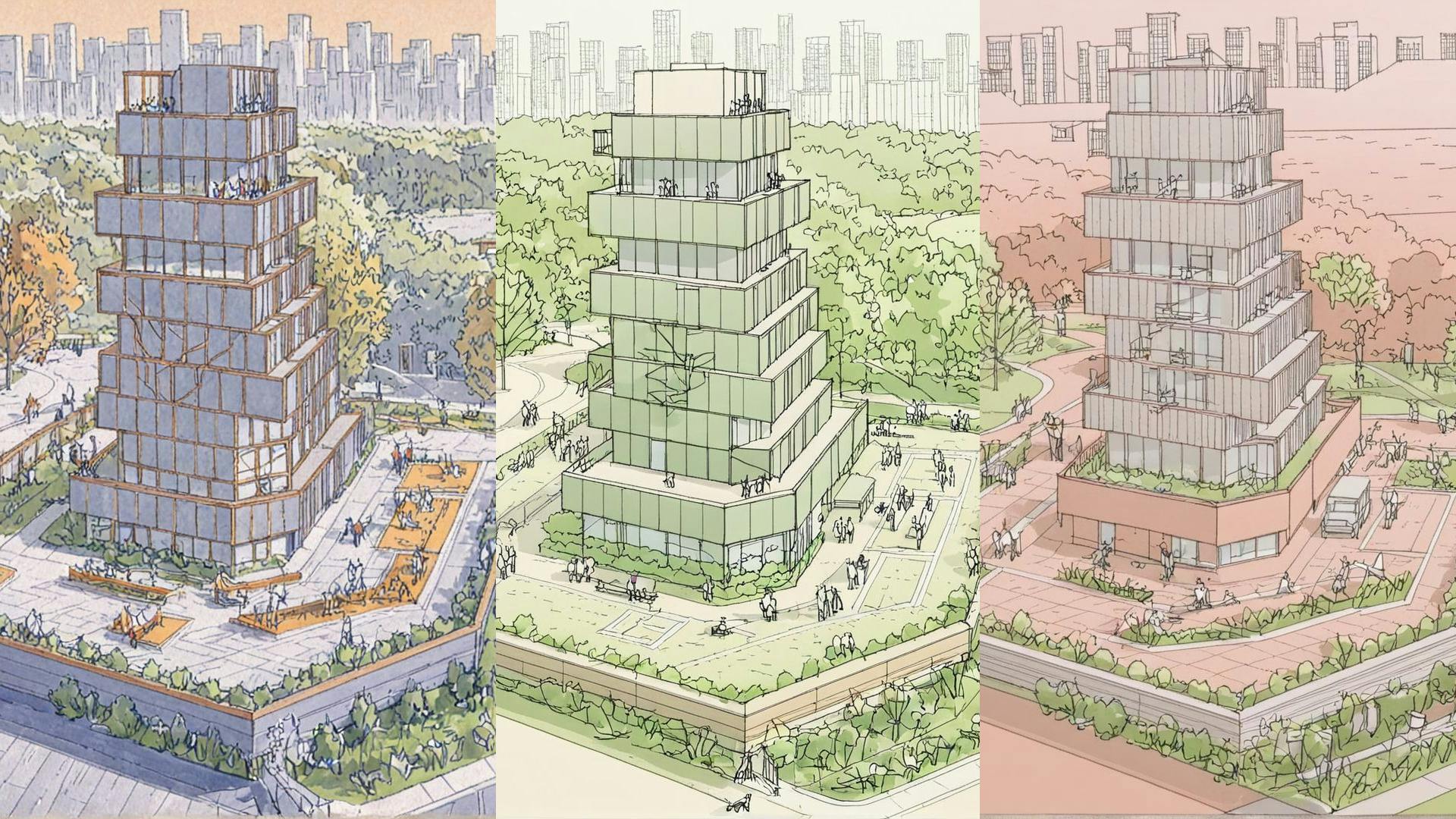
Photorealistic renders aren’t always right for early-stage design. With Fenestra, you can use AI to turn renders and models into loose pencil sketches, illustrations, and conceptual visuals using style reference images. This approach helps communicate intent, guide conversations, and get client buy-in without overwhelming them with realism too early.
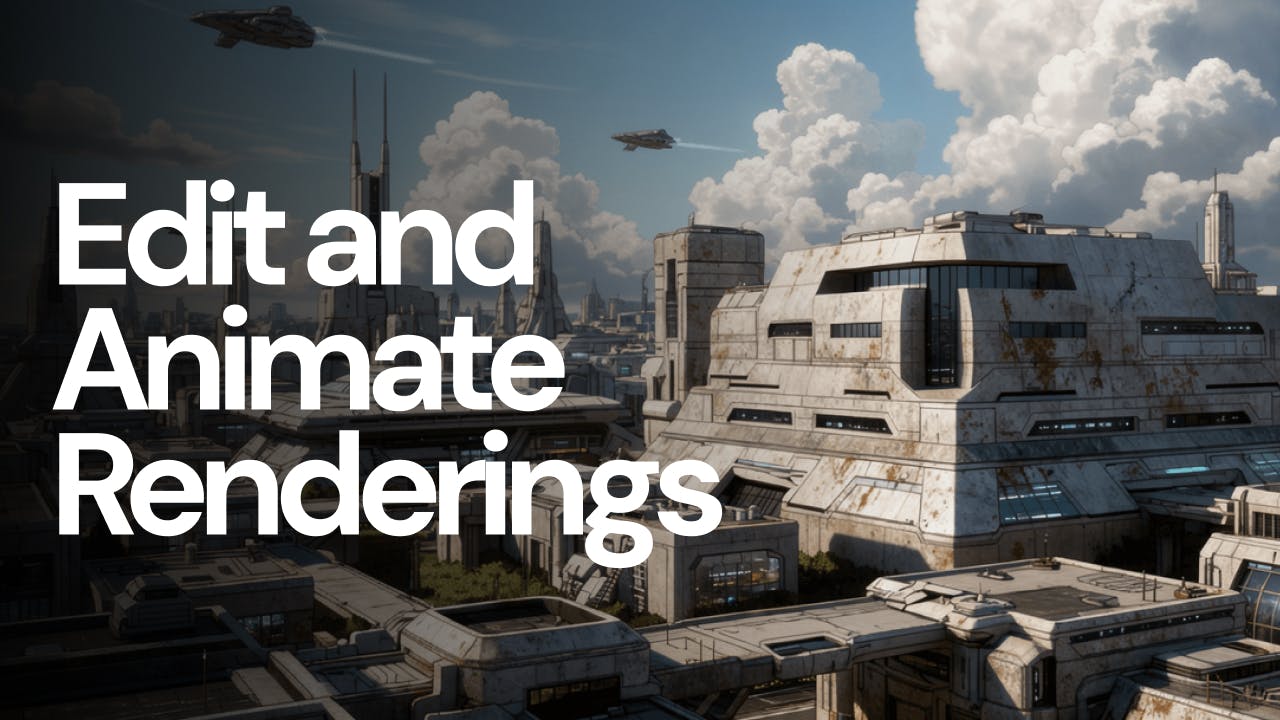
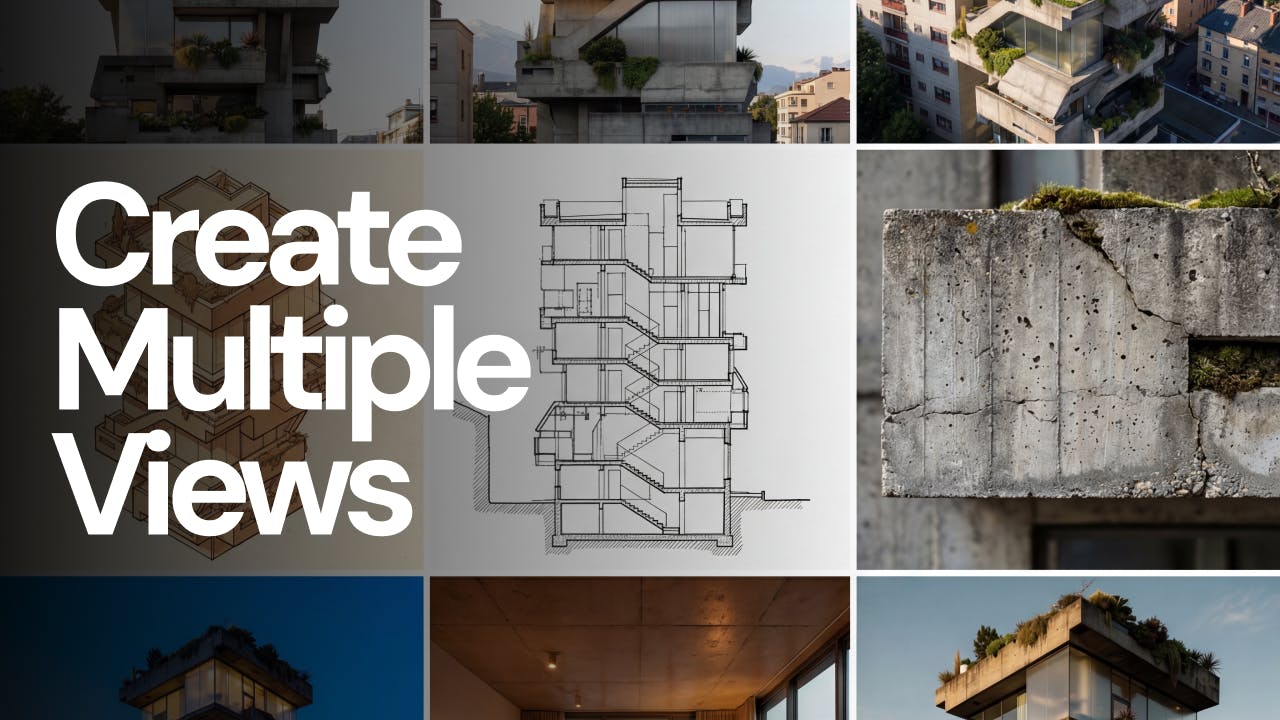
Edit, illustrate, and animate architectural images from a single starting image. Use conversational AI, camera controls, and consistent styles to create multiple views and dynamic visuals in minutes with Fenestra.
A practical guide for architects on adding Christmas atmosphere to interior and exterior renders using AI. Includes prompt examples, model recommendations, and three decoration styles you can apply to any project.
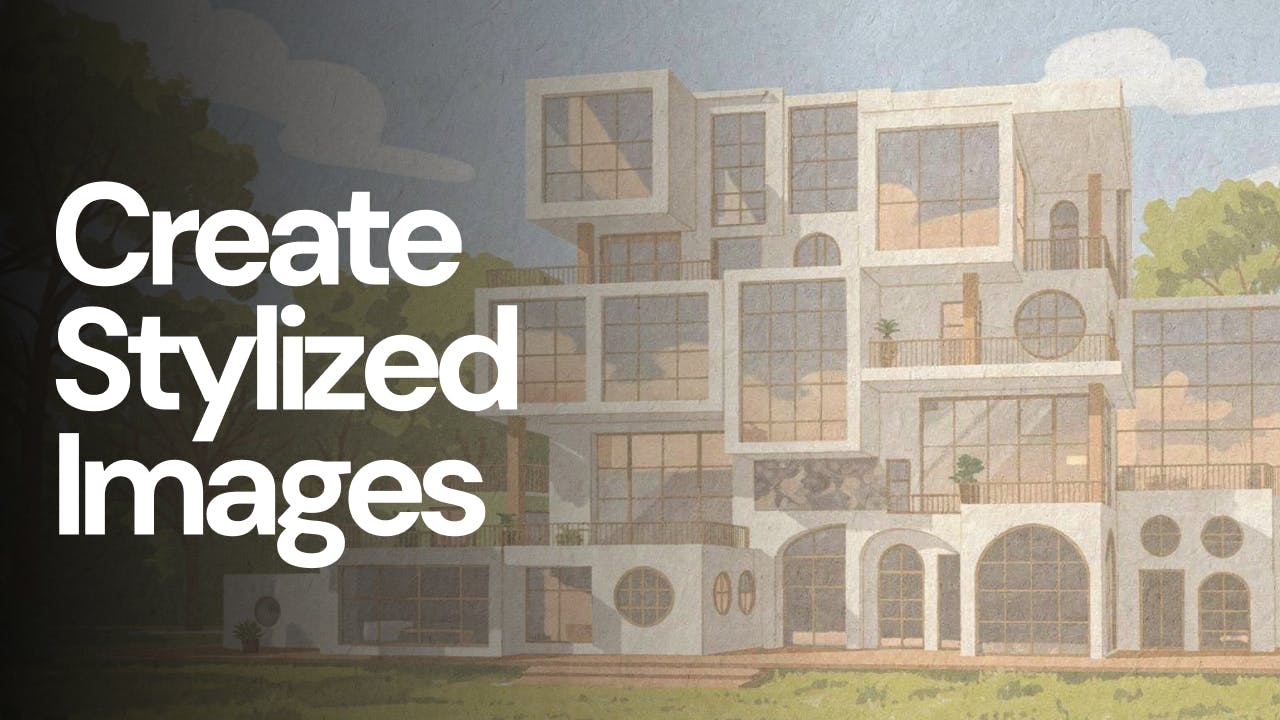
Create stylized images from your architectural designs using AI. Transform sketches, renders, or reference images into illustrated, cinematic, conceptual, or artistic visuals while keeping spatial intent and composition intact. Ideal for early-stage exploration, storytelling, competitions, and client presentations.
Explore how to turn a single image into a wide set of high-quality ideation visuals using Nano Banana Pro, Flux 2 Pro, camera control, and animation inside Fenestra. Generate multiple perspectives, atmospheres, and cinematic views while keeping your project visually consistent.
Illustration workflow for architects and interior designers using Qwen Image Edit Plus. Produce fast, accurate stylised renders including cel shading, anime styles and high fidelity concept design images.
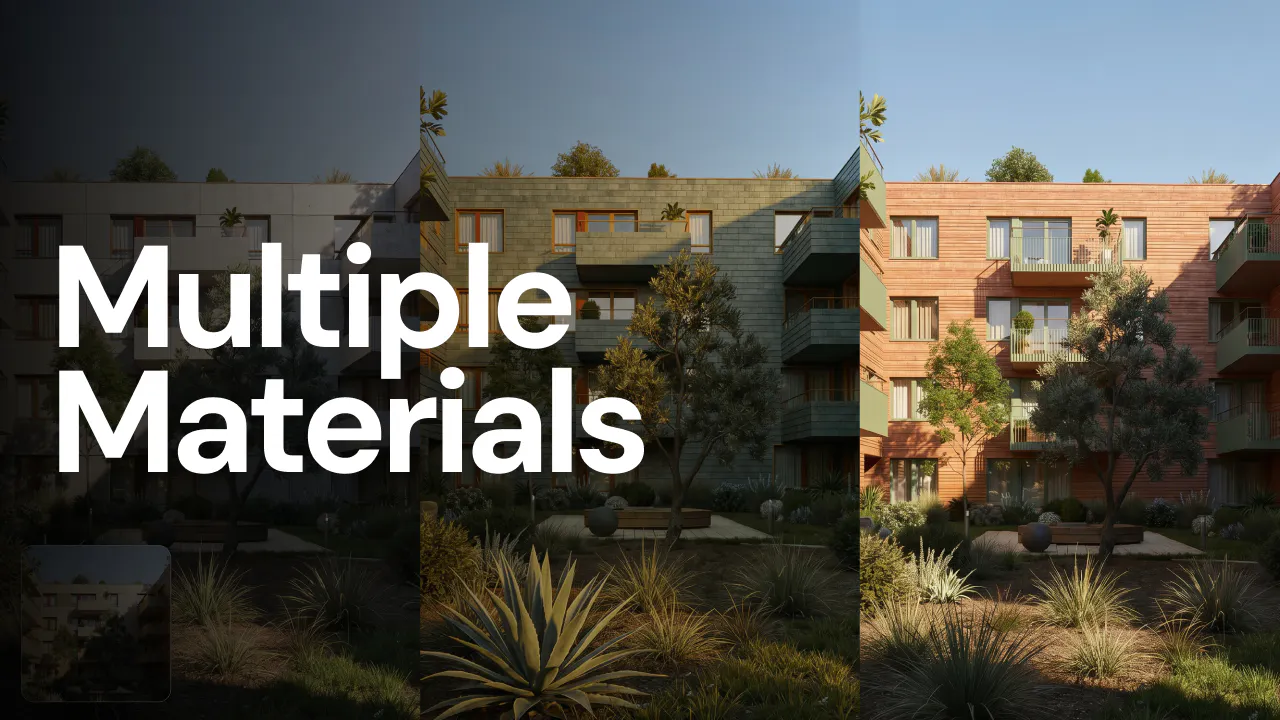
Nano Banana 2 - now Nano Banana Pro - is available inside Fenestra with native 1K, 2K and full 4K image generation. It works seamlessly across Sketch To Render, Conversational Edit, Add Anything and Texture 3D. Here are 5 high-performing prompts you can use right now for interiors, exteriors and cinematic architectural shots.
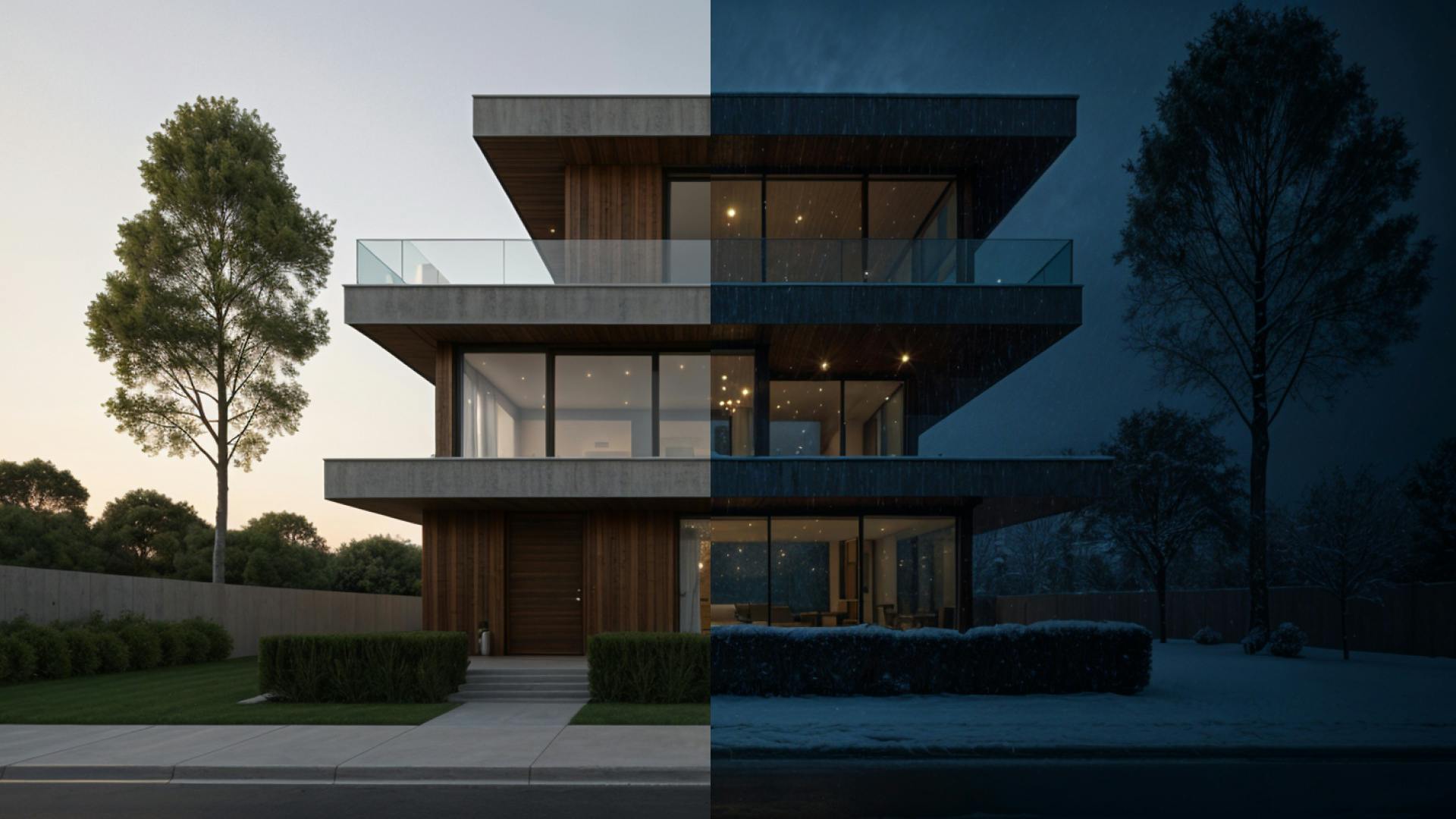
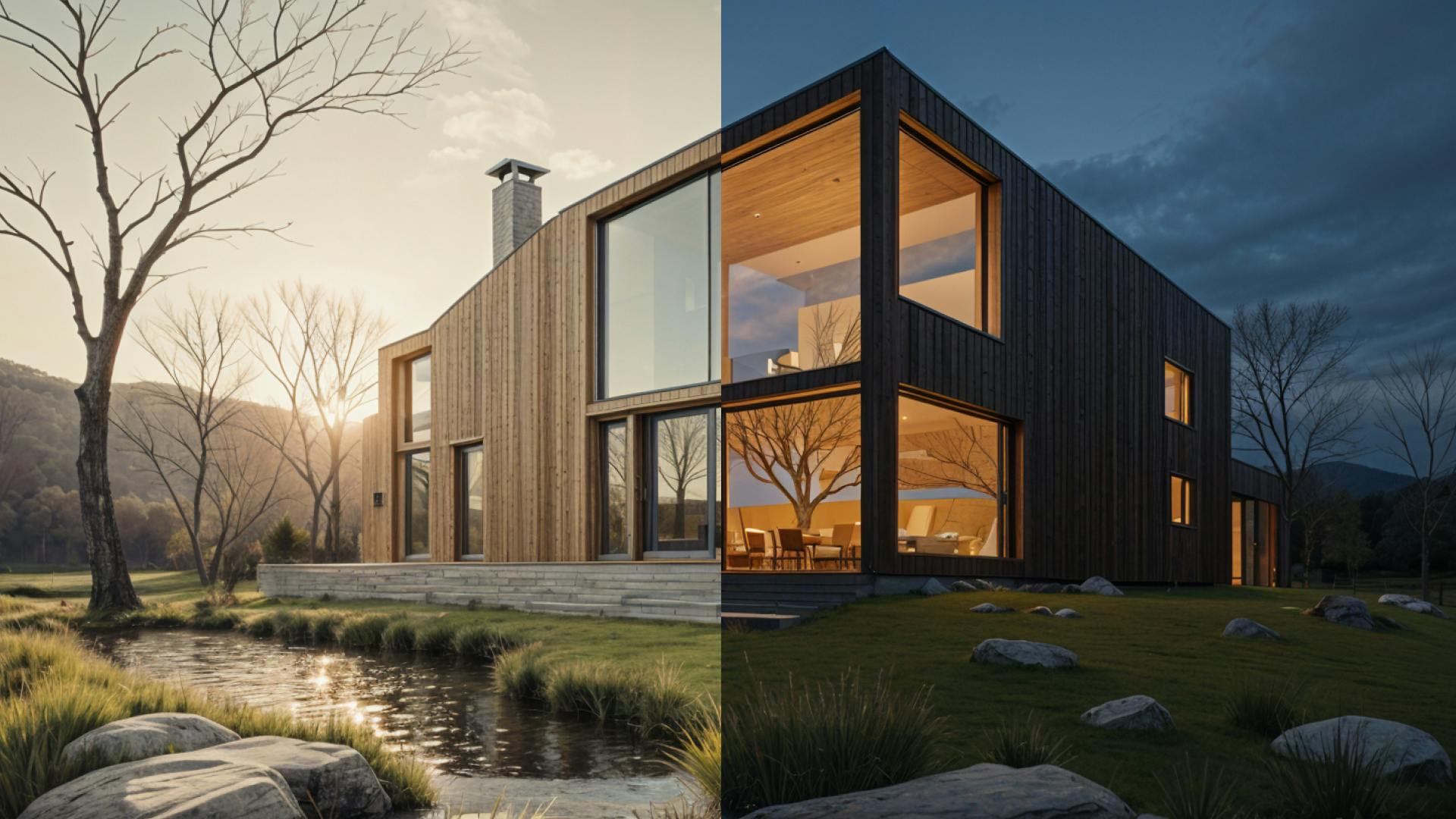
Use Nano Banana architecture prompts and Fenestra AI to animate between day and night views, turning static renders into cinematic architectural videos.
Add Anything is a new Fenestra AI workflow that lets architects and designers add furniture, people, or materials to interiors using Nano Banana.
Generate stunning cinematic visuals from prompts alone, plus Nano Banana upgrades and early access news.
Learn how AI allows designers to design spatially, and take our creativity to the next level.
New in Fenestra: Edit Images & Add Entourage with Qwen Image Edit
Design like a landscape architect using ai and simple natural language prompts
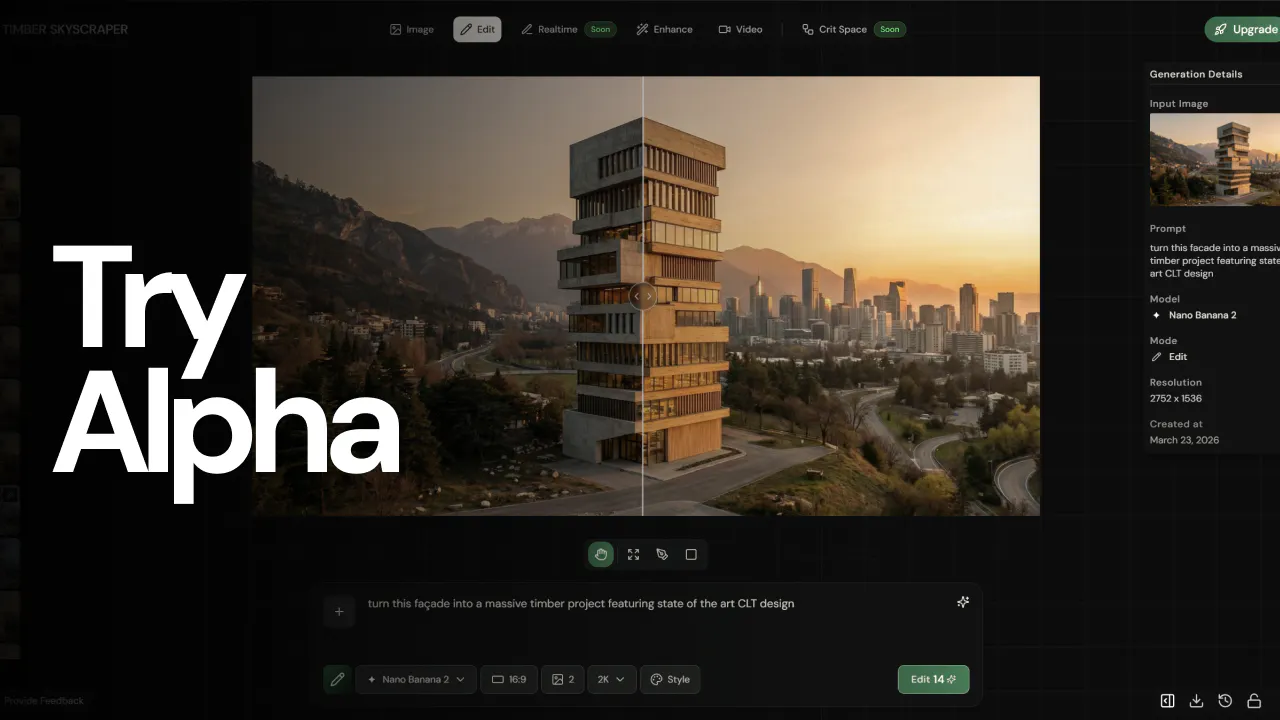
With Flux in Fenestra, we’ve enabled higher fidelity conversational editing that actually feels easy to use. You can add or subtract elements naturally just by asking.
Learn how to turn your 3D models or architectural renderings into stylised illustrations using Fenestra - no redrawing required. We’ll walk you through the full workflow, including reference images, style settings, and pro tips for the best results.
Edit architectural images instantly with Flux Kontext in Fenestra. Remove objects, tweak lighting, or refine details - just by typing what you want.
Most architects or interior designers don’t realise you can do this. One image. Five professional-grade architectural visuals — all generated, edited, and animated without switching tools.
An introduction to Fenestra, how AI can change Architecture and Interior Design and a look into what's next!
 Fenestra Creates High-Fidelity Visualizations and Interactive 3D Narratives instantly.