Add Christmas Cheer to Renders 🎄
A few simple prompts can turn any render into a festive client-ready visual

Shaun McCallum
December 22, 2025It’s the holiday season. A small seasonal tweak can go a long way in making your visuals feel thoughtful, timely, and memorable for clients.
With a few simple prompts, you can turn existing interior or exterior renders into festive Christmas scenes - no re-modelling, no re-rendering, no back-and-forth.
For best results, use Flux 2 Pro or Nano Banana Pro. I personally recommend Flux 2 Pro for anything atmospheric or cinematic.
My go-to setup:
- Model: Flux 2 Pro
- Resolution: 1MP (gives the model more room to breathe)
- Final polish: Clarity Upscaler for crisp detail
The more you test these models, the more you’ll understand where each shines.
Step 1: Start with any image
- A sketch → use Sketch to Render
- An existing render → start directly from that
- A 3D model → set your camera view first
Once you have your base image, you’re ready.
Step 2: Use Conversational Edit
For this walkthrough, we’ll only use Conversational Edit (no reference images).
If you do want to influence the style with a specific image, you can use Add Anything to include reference images.
Step 3: Choose a decoration style
Below are three prompt styles you can copy, paste, and tweak depending on the client or project tone.
1. Elegant / Modern Christmas
Subtle, premium, client-safe
“Add tasteful Christmas decorations to the image. Subtle tinsel, modern Christmas trees, warm interior lighting, soft festive accents, evening atmosphere, snowy exterior. Keep the space elegant and minimal.”
Add Holiday Cheer to Any Render
Render now!2. Maximalist / Over-the-Top Christmas
Fun, playful, attention-grabbing
“Make the Christmas decoration intentionally overbearing. Inflatable snowmen and Santa, excessive Christmas lights everywhere, bold festive colours, playful decorations covering the house, snowy environment, strong warm glow inside.”
3. Modern & Minimal Christmas
Clean, restrained, architectural
“Without changing the contents of the space, add restrained Christmas elements. Simple trees, minimal lighting, subtle festive accents, warm interior glow, evening scene, light snow outside.”
Create Any Style with Flux 2 Pro
Start Creating!Related Articles
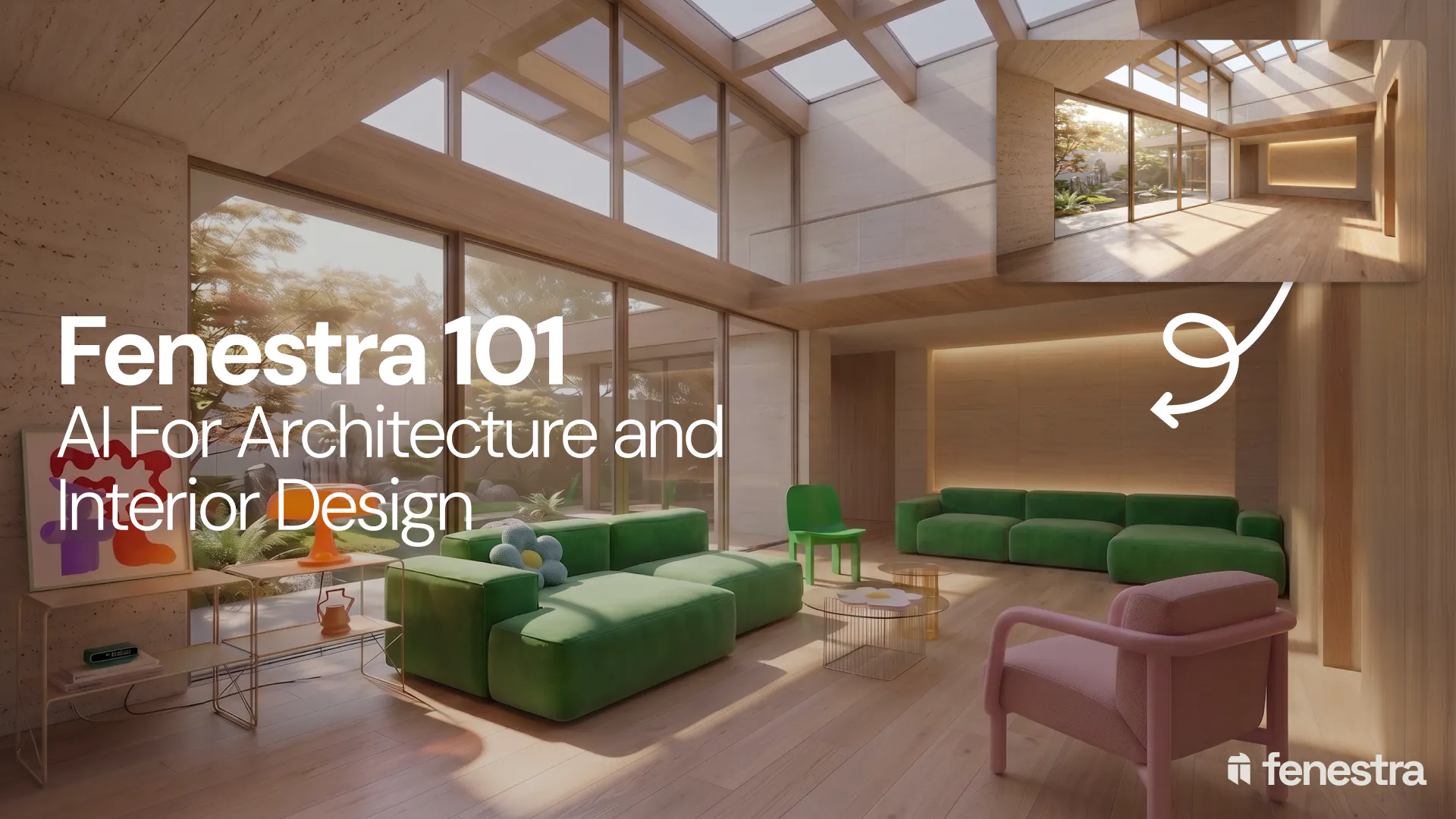
Fenestra 101: Sketch to Render, Virtual Staging and AI Editing for Architects & Interior Designers
In this introductory Fenestra webinar, we walk through the core tools architects and designers can use to turn early ideas into visual concepts. The session covers sketch to render workflows, virtual staging, adding furniture, editing images, removing elements and using AI to quickly explore design directions.
Fenestra 101: Our First Webinar
We're running our first ever live webinar on June 3rd. A hands-on intro to Fenestra for architects and interior designers, covering image generation from prompts, 2D and 3D inputs, video, and where AI actually fits in your practice. 30 seats only.
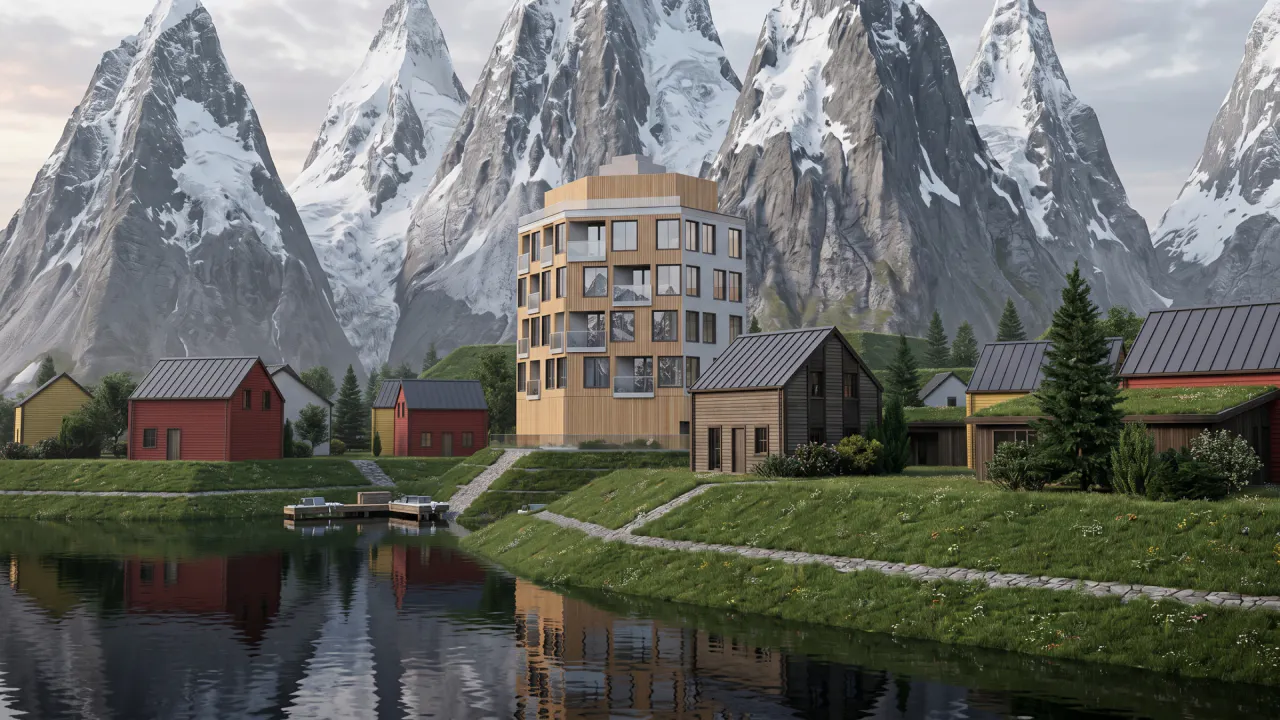
Is conversation the next 3D modelling tool? We tested AI modelling in Rhino
We tested AI 3D modelling in Rhino, driving geometry by conversation, then rendering in Fenestra. Where text-to-3D works, and where it doesn't yet.
