5 Nano Banana 2 (Pro) Prompts for Architecture & Interior Design in Fenestra
Create new camera angles from a single image using Fenestra’s Camera Control. Rotate, tilt, animate with Start & End Frames, and enhance videos to 4K.

Shaun McCallum
November 20, 2025You can now generate 1K, 2K and full 4K images directly inside Fenestra with zero upscaling needed. Outputs are sharper, cleaner and far more detailed, especially for interiors, exteriors and cinematic views.
It already works with every Fenestra workflow - Sketch To Render, Conversational Edit, Add Anything and Texture 3D.
Just swap your currently selected Nano Banana model to Nano Banana 2 / Pro and you're set.
Here are 5 high-performing prompts you can use right now inside Fenestra:
1) Creating an Interior
Select Add Anything or Sketch To Render
Use this prompt to imagine the interior from the exterior view.
“Take a photorealistic interior shot looking out of the large main window. Use this image as reference to match the interior mood and atmosphere. Keep the inside warm and cosy, illuminated by the highlight coming from the window.”
2) Creating Exteriors.
Select Conversational Edit
“Turn this into a winter evening with the woman standing outside on the balcony wearing a green winter jacket, holding a hot cup of coffee with the aurora borealis in the sky at night-time”
3) Zoom In!
Lets zoom in, add detail and craft the story.
“Create a photorealistic image of the woman reading her book while standing outside on the balcony, wearing a green winter jacket and holding a warm cup of coffee. She looks into the distance, watching the aurora borealis.”
4) Detailed Close up Photography
Lets zoom in once again, add more detail
'Create a photorealistic macro-camera angle of the woman reading her book on the balcony, wearing a green winter jacket and holding a warm cup of coffee, looking out at the aurora borealis.'
Nano Banana 2 Now!
Start Creating!Related Articles
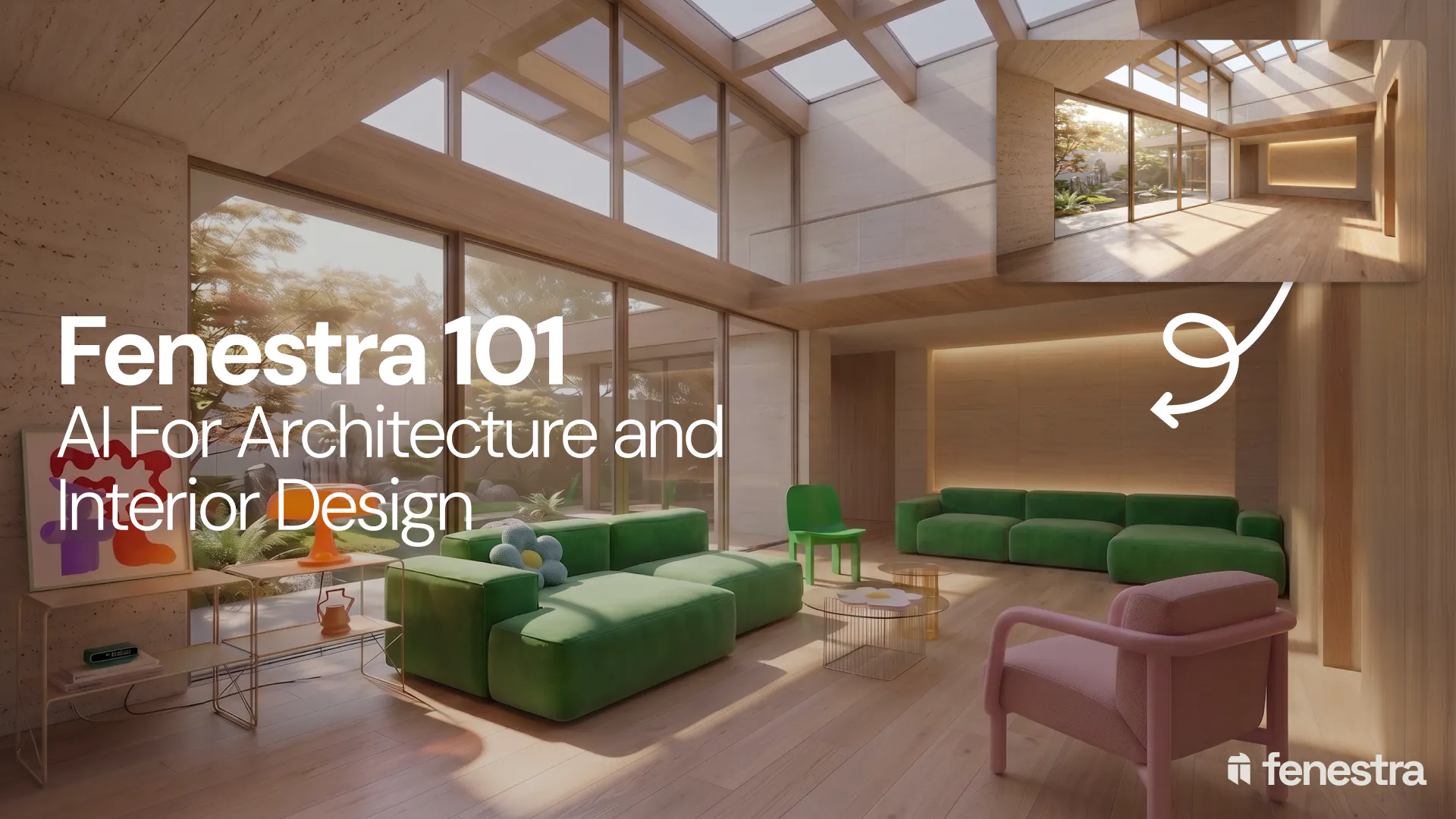
Fenestra 101: Sketch to Render, Virtual Staging and AI Editing for Architects & Interior Designers
In this introductory Fenestra webinar, we walk through the core tools architects and designers can use to turn early ideas into visual concepts. The session covers sketch to render workflows, virtual staging, adding furniture, editing images, removing elements and using AI to quickly explore design directions.
Fenestra 101: Our First Webinar
We're running our first ever live webinar on June 3rd. A hands-on intro to Fenestra for architects and interior designers, covering image generation from prompts, 2D and 3D inputs, video, and where AI actually fits in your practice. 30 seats only.
Is conversation the next 3D modelling tool? We tested AI modelling in Rhino
We tested AI 3D modelling in Rhino, driving geometry by conversation, then rendering in Fenestra. Where text-to-3D works, and where it doesn't yet.
