

Image
Generate photorealistic architectural renderings and interior visuals in Fenestra from text prompts, sketches and reference images with Nano Banana and Flux.
Open page in AI / Copy page prompt
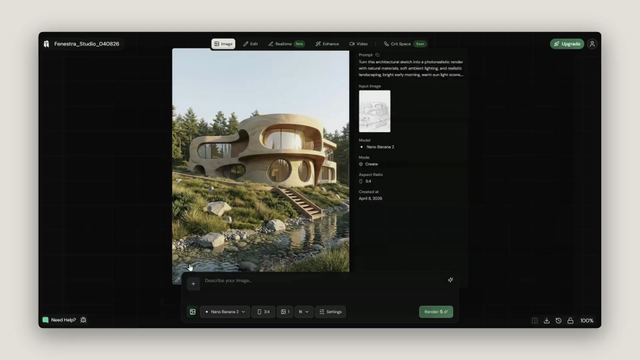
Create a project
Create a new project and click Image.

Select a template
Select a template or start from scratch using your own images and prompt.

Edit your prompt
Edit the prompt to match what you want to create, or swap the reference image by clicking the thumbnail in the prompt bar and uploading your own.

Render
Click Render. Your generations appear in the feed.
Compare
Click any result to open it, then hit Compare to see your input and output side by side.

Workflows
- Virtual Staging — Furnish and style an empty interior using reference images of real furniture.